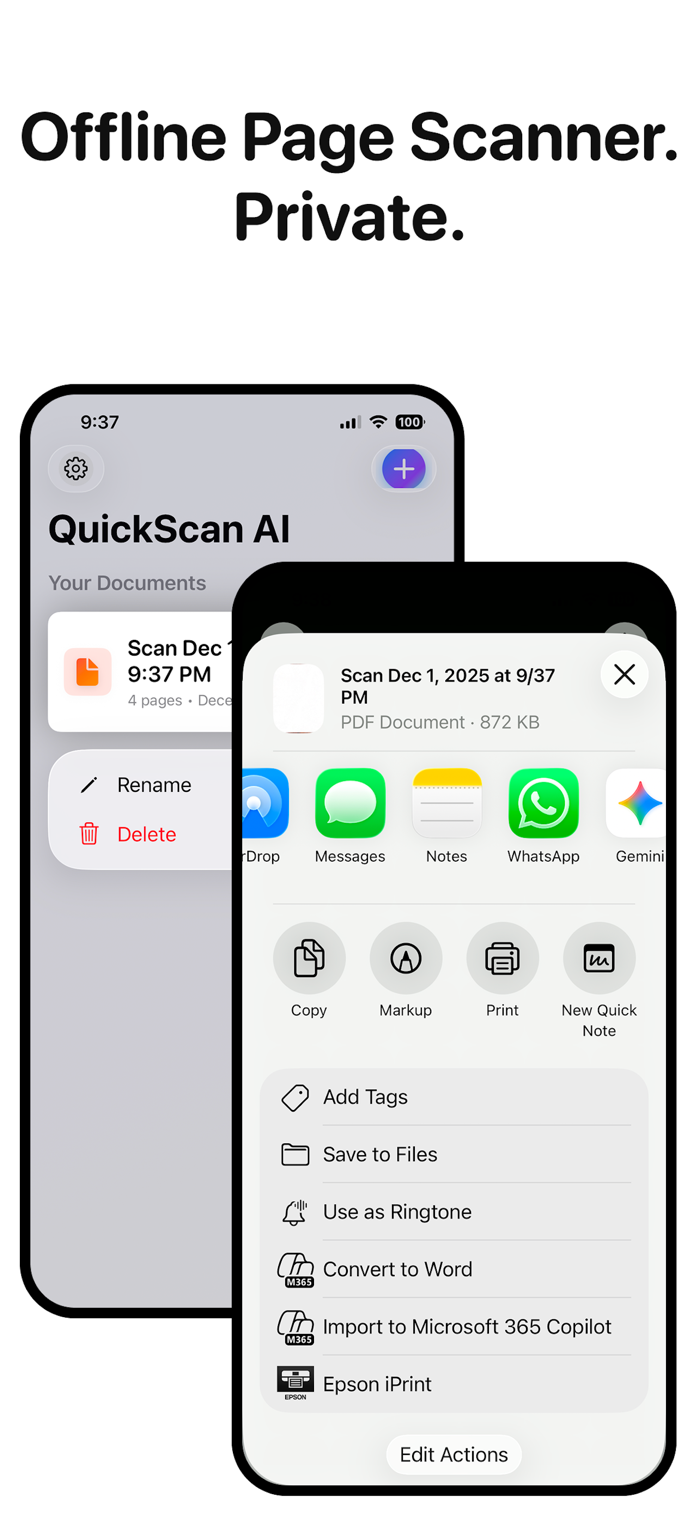
Scan paper with your iPhone or iPad, review the pages, then email, message, or save a clean PDF.
QuickScan is built for everyday paperwork and quick capture: receipts, IDs, contracts, forms, paper notes, invoices, tax documents, sketches, whiteboards, screens, and artwork. Open the app, scan a document with edge detection, review the PDF, then send it where it needs to go.
SCAN, REVIEW, SEND
- Auto-detect document edges with the iOS document camera
- Review pages before sending
- Add another page to the same PDF
- Email a PDF, send with another app, or save to Files
- Rename saved scans so they are easy to find later
MAKE CLEAN PDFS
- Save single-page or multi-page scans as PDFs
- Enhance scans with color, grayscale, black-and-white, or photo mode
- Keep saved scans in a simple local document library
- Import PDFs or images into QuickScan
- Use App Shortcuts and Home Screen quick actions to start faster
ORGANIZE AND USE DOCUMENTS
- Tag receipts, contracts, IDs, tax docs, and more
- Search, copy, and share extracted text with Pro OCR
- Add digital signatures to forms and contracts
- Batch send saved PDFs with Pro
PRIVATE BY DESIGN
- No account or sign-up required
- PDF creation runs on device
- OCR uses Apple's Vision framework on device
- Your scan files are saved locally in the app
PRO UNLOCKS
- Clean PDF sends without QuickScan branding
- Unlimited clean sends
- OCR text extraction, search, and copy
- Digital signatures
- Batch sending
QuickScan Pro is available as a monthly or yearly subscription. Eligible subscription plans may include a free trial. Cancel anytime in your App Store account settings.
用户评价
立即分享产品体验
你的真实体验,为其他用户提供宝贵参考
💎 分享获得宝石
【分享体验 · 获得宝石 · 增加抽奖机会】
将你的产品体验分享给更多人,获得更多宝石奖励!
💎 宝石奖励
每当有用户点击你分享的体验链接并点赞"对我有用",你将获得:
🔗 如何分享
复制下方专属链接,分享到社交媒体、群聊或好友:
💡 小贴士
分享时可以添加你的个人推荐语,让更多人了解这款产品的优点!
示例分享文案:
"推荐一款我最近体验过的应用,界面设计很精美,功能也很实用。有兴趣的朋友可以看看我的详细体验评价~"
关注 Mergeek 公众号
领奖遇到问题?联系小门助手