









加入 Mergeek 福利群
扫码添加小助手,精彩福利不错过!
若不方便扫码,请在 Mergeek 公众号,回复 群 即可加入
- 精品限免
- 早鸟优惠
- 众测送码
 Master Scanner : 名片扫描、扫描文档、收据、传真、费用票据和白板、生成器 pdf 名片全能王免费版 Free business card.s reader and scan pro app


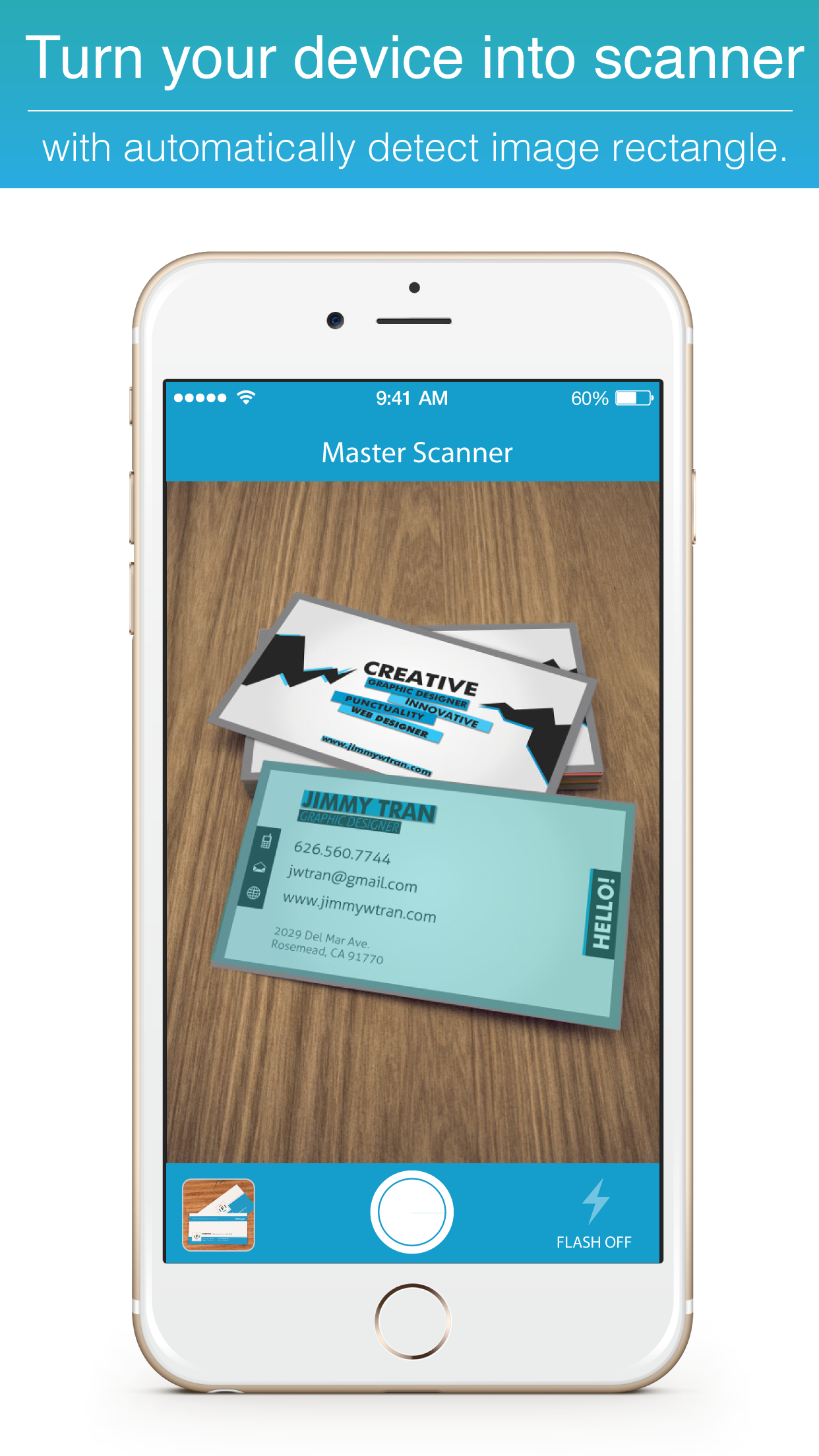


 Master Scanner : 名片扫描、扫描文档、收据、传真、费用票据和白板、生成器 pdf 名片全能王免费版 Free business card.s reader and scan pro app


 4.9
4.9
“新体验文档扫描的简单”
把你的iPhone和iPad变成便携式扫描仪。它可以让你扫描收据,名片,白板,便签纸,书籍或任何多页文档。
扫描的文档可以通过电子邮件发送和打印,上传到在线服务或只是保存在您的iPhone或iPad。
有哪些主要特点
您可以使用100%的免费应用所有这些功能! :
•英语和中国(简体)版本OCR功能。
•转换图片的PDF文件。
•捕获或导入图像从相机胶卷。
•自动检测图像的矩形。
•透视作物带磁性的指针。
•您可以用动画,调整图像的彩色,灰度和黑白模式下转动。
•所以,你可以分享或保存到您的设备和云服务。
===========================
"New experience the simplicity of document scanning"
Turn your iPhone and iPad into portable scanners. It allows you to scan receipts, business card, whiteboards, paper notes, book or any multi-page document.
Scanned documents can be emailed and printed, uploaded to online services or simply saved on your iPhone or iPad.
WHAT ARE THE KEY FEATURES
You can use all of this features in application on 100% free!! :
• OCR function on English and Chinese (Simplified) version.
• Convert image to PDF file.
• Capture or import image from the Camera roll.
• Automatically detect image rectangle.
• Perspective crop with magnetic pointer.
• You can rotate with animation, adjustment image in Color, Grayscale and Black & White mode.
• So you can share or save into your device and cloud service.
WHAT PEOPLE USE FOR
• Quickly scan any business card and document anywhere, when you don't have a scanner at hand.
• Convert paper notes and sketches into digital copies.
• Avoid buying an expensive scanner that you are never going to use.
• Have your employees on the road send contracts, sales agreement to the headquarters immediately upon signature.
• Expedite expense reports by quickly creating a PDF with all your receipts and send them to Expensify
• Get rid of all your paper documents by archiving them to Cloud service.(Google drive, Drop box, Evernote and etc.) or simply saved on your iPhone or iPad.
• Quickly scan a form you just printed when you don’t have a scanner.
• At the university, take a picture of a whiteboard.
• Archive handwritten notes or share them with colleagues.
• Save the perfect recipe after cooking.
• Save interesting articles and book pages for further reading.
• Share a good restaurant menu on Facebook and Twitter.
• Import text from the business card, picture and book and share to other by simply process. (Only in OCR version only)
Your review and feedback are very important for us.
If you like this application, please give a review and feedback in App store.
Thank you for everyone who's downloaded and support.
“新体验文档扫描的简单”
把你的iPhone和iPad变成便携式扫描仪。它可以让你扫描收据,名片,白板,便签纸,书籍或任何多页文档。
扫描的文档可以通过电子邮件发送和打印,上传到在线服务或只是保存在您的iPhone或iPad。
有哪些主要特点
您可以使用100%的免费应用所有这些功能! :
•英语和中国(简体)版本OCR功能。
•转换图片的PDF文件。
•捕获或导入图像从相机胶卷。
•自动检测图像的矩形。
•透视作物带磁性的指针。
•您可以用动画,调整图像的彩色,灰度和黑白模式下转动。
•所以,你可以分享或保存到您的设备和云服务。
===========================
"New experience the simplicity of document scanning"
Turn your iPhone and iPad into portable scanners. It allows you to scan receipts, business card, whiteboards, paper notes, book or any multi-page document.
Scanned documents can be emailed and printed, uploaded to online services or simply saved on your iPhone or iPad.
WHAT ARE THE KEY FEATURES
You can use all of this features in application on 100% free!! :
• OCR function on English and Chinese (Simplified) version.
• Convert image to PDF file.
• Capture or import image from the Camera roll.
• Automatically detect image rectangle.
• Perspective crop with magnetic pointer.
• You can rotate with animation, adjustment image in Color, Grayscale and Black & White mode.
• So you can share or save into your device and cloud service.
WHAT PEOPLE USE FOR
• Quickly scan any business card and document anywhere, when you don't have a scanner at hand.
• Convert paper notes and sketches into digital copies.
• Avoid buying an expensive scanner that you are never going to use.
• Have your employees on the road send contracts, sales agreement to the headquarters immediately upon signature.
• Expedite expense reports by quickly creating a PDF with all your receipts and send them to Expensify
• Get rid of all your paper documents by archiving them to Cloud service.(Google drive, Drop box, Evernote and etc.) or simply saved on your iPhone or iPad.
• Quickly scan a form you just printed when you don’t have a scanner.
• At the university, take a picture of a whiteboard.
• Archive handwritten notes or share them with colleagues.
• Save the perfect recipe after cooking.
• Save interesting articles and book pages for further reading.
• Share a good restaurant menu on Facebook and Twitter.
• Import text from the business card, picture and book and share to other by simply process. (Only in OCR version only)
Your review and feedback are very important for us.
If you like this application, please give a review and feedback in App store.
Thank you for everyone who's downloaded and support.
第一时间掌握精选限免应用/游戏信息
自定义喜欢的应用/游戏的价格变动
了解内购应用/游戏的限免或降价活动
查看应用/游戏价格历史等待合适时机再出手
第一时间收到价格通知不错过省钱机会

扫码下载 Follow
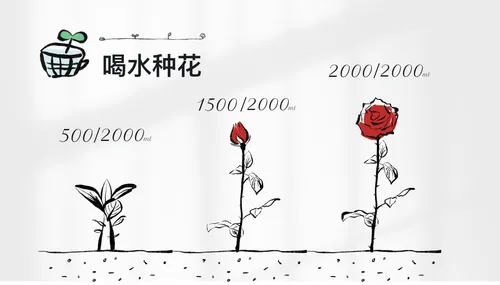
 喝水种花
喝水种花
强迫自己养成某种习惯,往往枯燥、困难,甚至痛苦。而喝水种花旨在通过种花这种游戏的方式,让您在养成喝水...

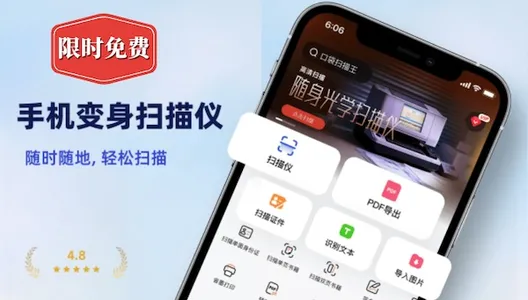
 口袋扫描王
口袋扫描王
手机秒变扫描仪! 口袋扫描王可以快速的将纸质文档扫描成高清电子文档,并将其转换为多种文件格式如PDF...
【原熊猫单词宝】通过英语益智闯关,召唤学习伙伴,用趣味击败懒惰,单词不再记错;在轻松愉悦中提高英语水...
 91
91
强迫自己养成某种习惯,往往枯燥、困难,甚至痛苦。而喝水种花旨在通过种花这种游戏的方式,让您在养成喝水...
167
手机秒变扫描仪! 口袋扫描王可以快速的将纸质文档扫描成高清电子文档,并将其转换为多种文件格式如PDF...
5



【原熊猫单词宝】通过英语益智闯关,召唤学习伙伴,用趣味击败懒惰,单词不再记错;在轻松愉悦中提高英语水...
天天发现优质应用
 到主屏幕
到主屏幕


产品名
这项是必须填的哦~可用平台
产品链接
这项是必须填的哦~产品一句话介绍
这项是必须填的哦~开发者邮箱
你也可以发送更多的产品故事到 hi@mergeek.com
我们会让你的产品被更多用户看到!
产品名
这项是必须填的哦~可用平台
产品链接
这项是必须填的哦~产品一句话介绍
这项是必须填的哦~开发者邮箱
你也可以发送更多的产品故事到 hi@mergeek.com
我们会让你的产品被更多用户看到!
已经成功发送到你的邮箱了,请注意查收
你成为这个产品的发现者啦,说说你的推荐语吧!