产品功能

应用市场介绍

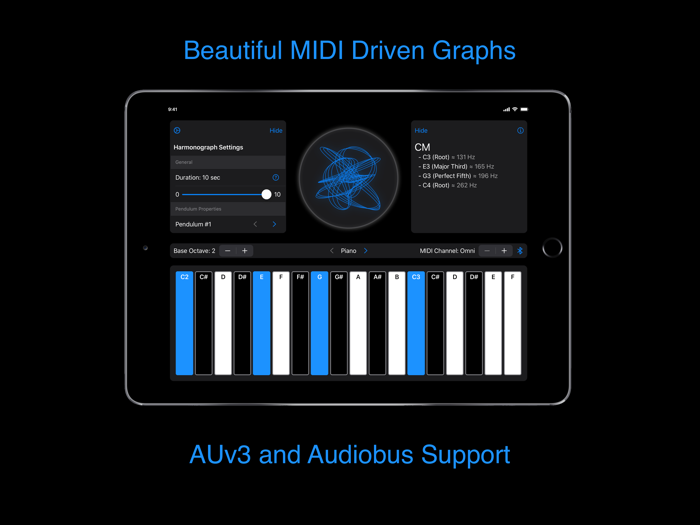
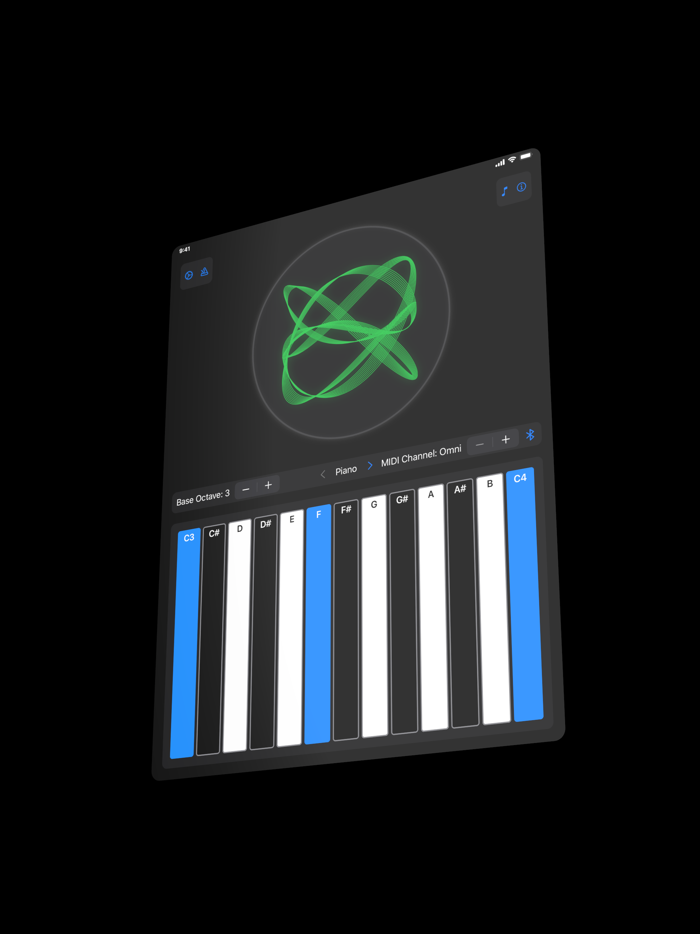
Plotony is a harmonograph simulator that transforms MIDI input into beautiful, animated drawings. Whenever a MIDI note is played, Plotony transforms the MIDI into its corresponding frequency. Plotony then appends a pendulum to its simulation with this frequency and outputs the modified rendering of the harmonograph in its center display. This seamless bridge between music and art is bound to spark the creativity in any musician or producer.

Plotony also serves a practical purpose as it is capable of showing you exactly what chord you are playing along with the names of the various intervals contained within it.

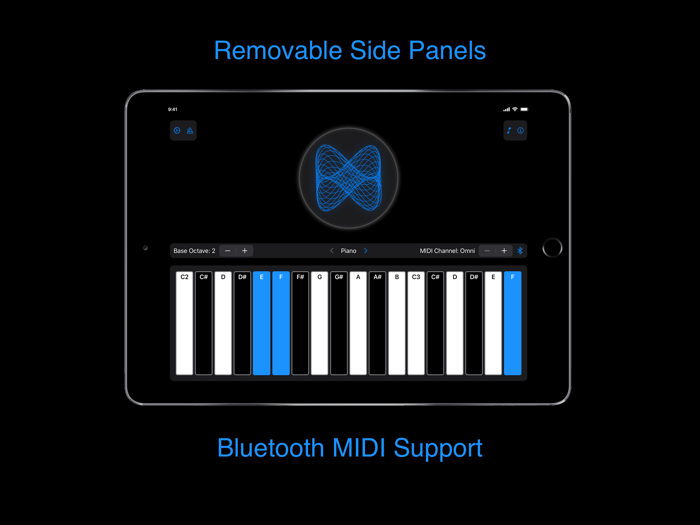
In the app, Plotony offers a list of preset samples to select from when playing the onscreen keyboard. Plotony also offers support for external MIDI input from devices such as keyboards connected via Lightning or other MIDI producing apps through Plotony’s virtual MIDI port. Plotony’s input “MIDI Channel” can be selected with the plus and minus buttons located on the right. Additionally, Bluetooth MIDI keyboards can be connected to Plotony by tapping the Bluetooth icon located on the right.

Plotony can be loaded into other host applications such as AUM as an AUv3 MIDI effect. Plotony’s state will be automatically preserved across sessions. The onscreen keyboard, preset selector, and sound-making capabilities are removed in the audio unit to create a more streamlined and focused experience. Plotony is also compatible with Audiobus and can be loaded in as a MIDI filter.

Plotony was designed with intuitiveness in mind. It should be fairly easy to get started right away making music and art with Plotony. However, you should be familiar with what the following terms mean in Plotony.

Duration: The duration setting controls how long the simulated pendulums are allowed to swing. A longer duration creates a more filled harmonograph, whereas a shorter duration creates a harmonograph with more white space.

Damping: The damping setting controls how quickly the simulated pendulum loses its initial kinetic energy due to friction. Higher damping leads to a quicker loss of energy and therefore, a more clustered harmonograph. Lower damping leads to a slower loss of energy and therefore, a more spread out harmonograph.

Phase: The phase setting controls the radian offset at which the simulated pendulum is released. Changing the phase setting while playing a chord will produce a 3D rotational effect because it’s adjusting all the coordinates in the graph simultaneously.

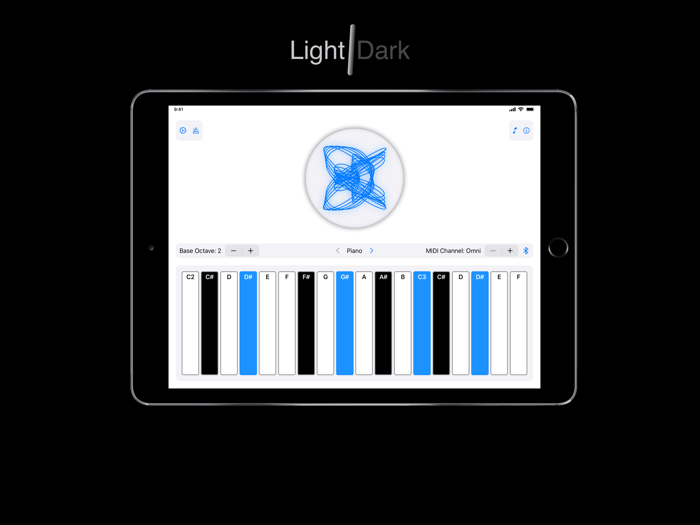
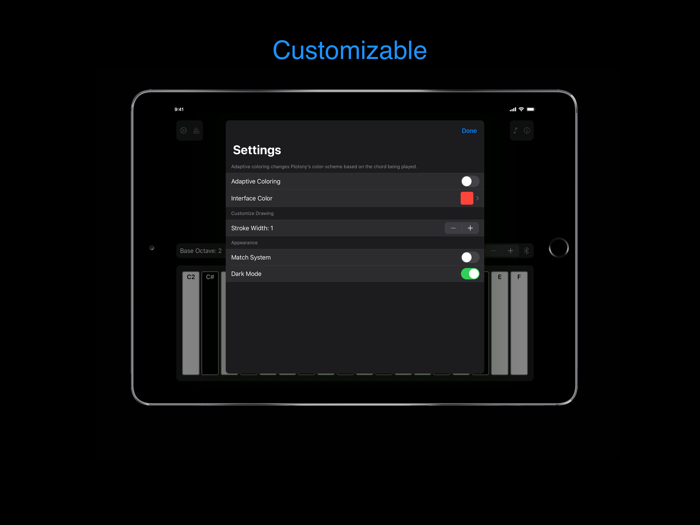
Additionally, if you tap on the cog shaped setting icon in the upper right corner you will be presented with some more customizable settings. By default, the “Interface Color” setting is set to blue. You can change this by tapping on the colored square on the right and selecting a different color, or you can turn on adaptive coloring which will automatically adjust Plotony’s color scheme based on the chord being played. The “Stroke Width” setting can be adjusted to change the thickness of the lines in the harmonograph. Lastly, if you would not like Plotony to match your device’s system appearance settings. You can turn off “Match System” and then manually turn on or off the “Dark Mode” toggle that appears. Plotony has been designed to look great in both light and dark mode.

If the chord recognition and settings panels become too distracting while using Plotony, feel free to temporarily remove them by tapping the “Hide” buttons.

Note: Plotony technically scales all frequencies by a factor of 1/100 because if they were displayed in their original form the graph would be completely filled in from all the overlapping lines.

收起

用户评价

立即分享产品体验

你的真实体验,为其他用户提供宝贵参考

宝石
评论可得 100 宝石
宝石随心兑换应用高级会员,每周更新 前往查看 >>
活动动态 0 人参加
查看更多评论