Remotely control the colors of an array screens.
Important: requires Gamma Control 6 (for Mac) or Scenica Player (for Mac, iPad, iPhone, Apple TV), sold separately.
Gamma Board makes it easy to change the gamma settings for screens on the local network. Devices running Gamma Control 6 or Scenica Player can be configured from afar using an iPhone or iPad. This is ideal for adjusting screen colors while looking from behind the camera. Tweak the colors to match the lighting and dim screens in a way that avoids flicker caused by the strobing LED backlight.
SETS
Create separate documents to save settings for a set of screens. Open an existing set to restore automatically its settings to the screens on the network.
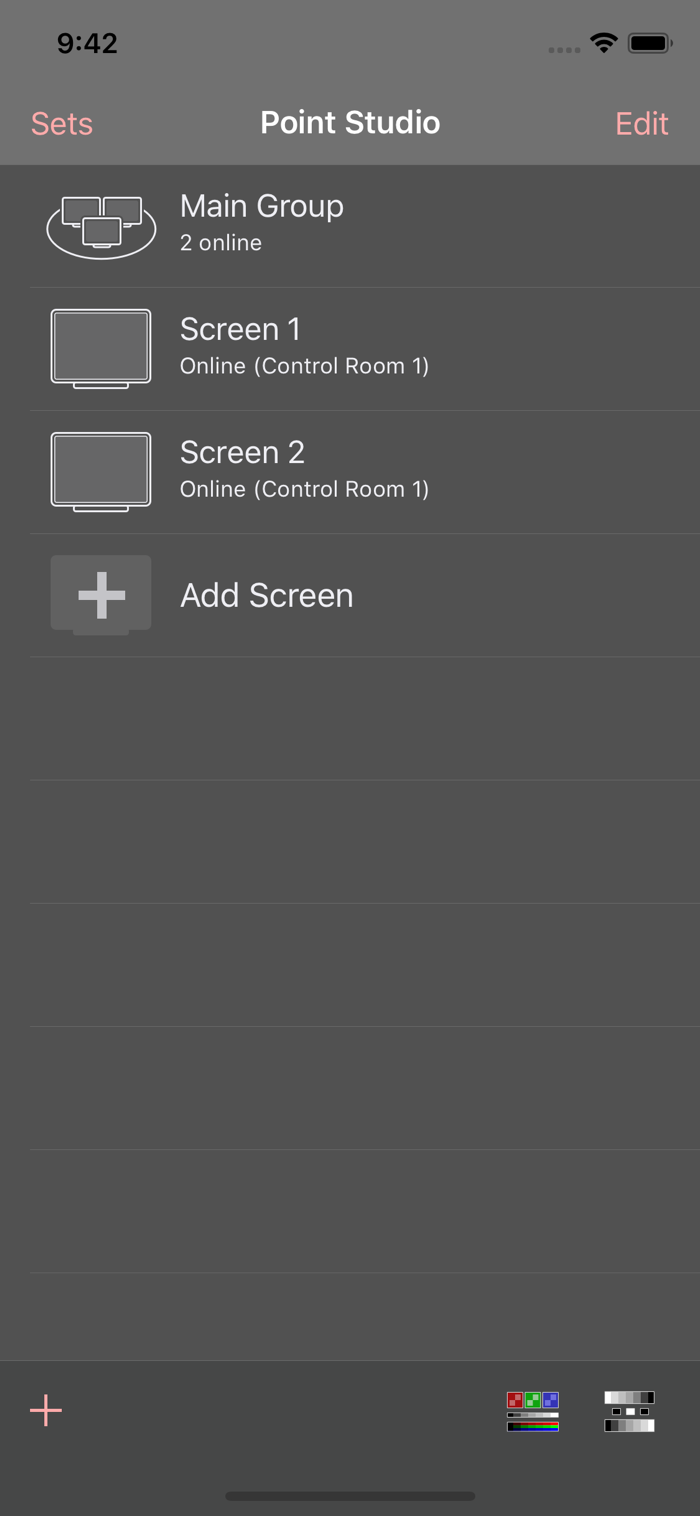
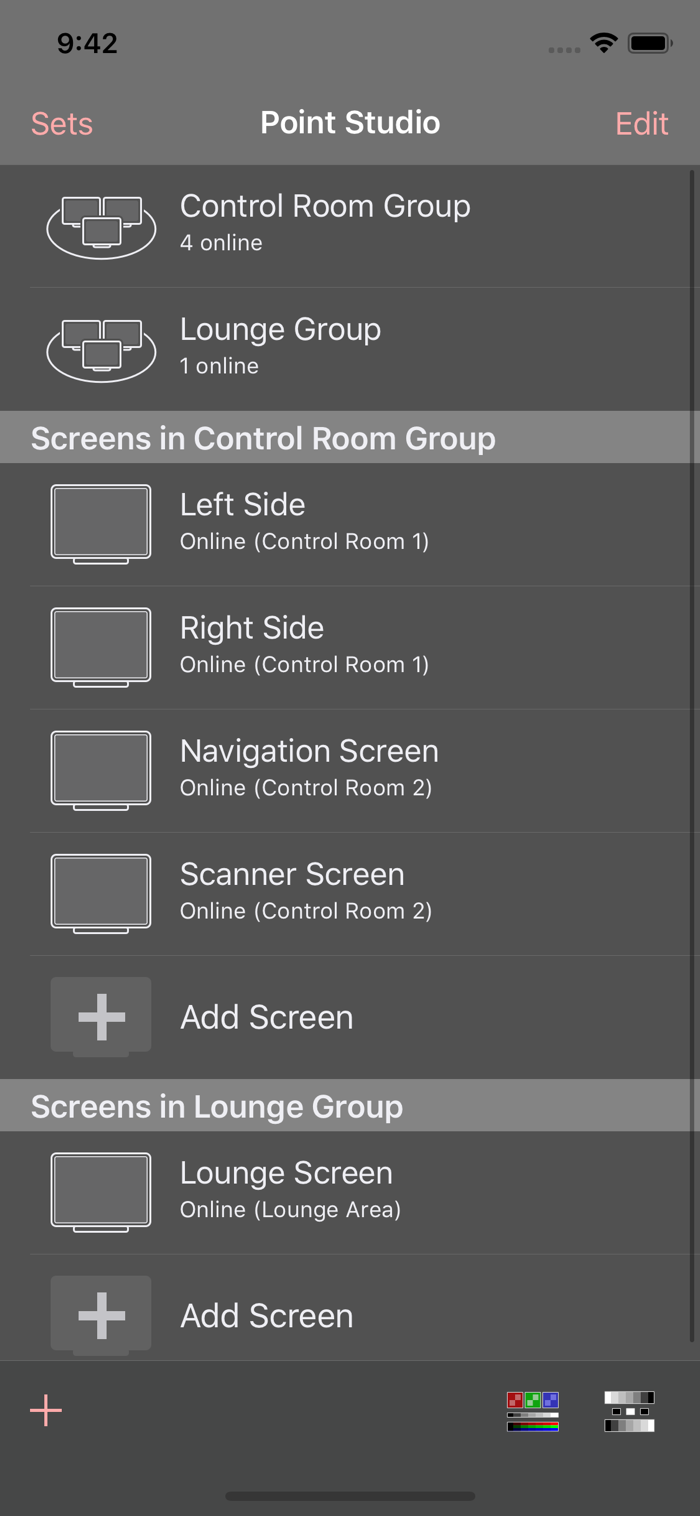
Inside a set you can see a list of screens that have been added. As soon as the set opens, Gamma Board establishes communication with the Gamma Control or Scenica Player running over the local network to apply its settings. You can add, remove, and reorder screens in the list.
The screen list also shows you at a glance which screens are online and offline as well as which screens are currently displaying a calibration pattern.
GAMMA SETTINGS
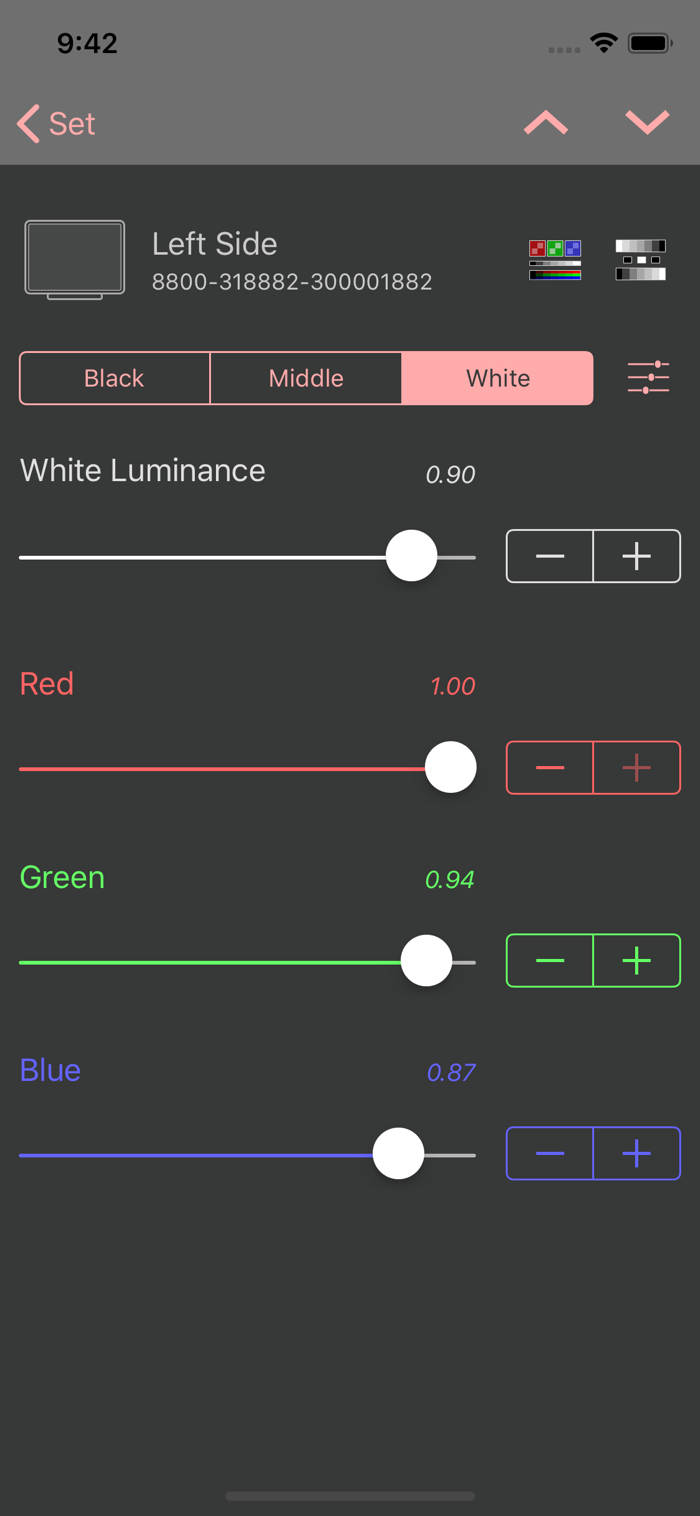
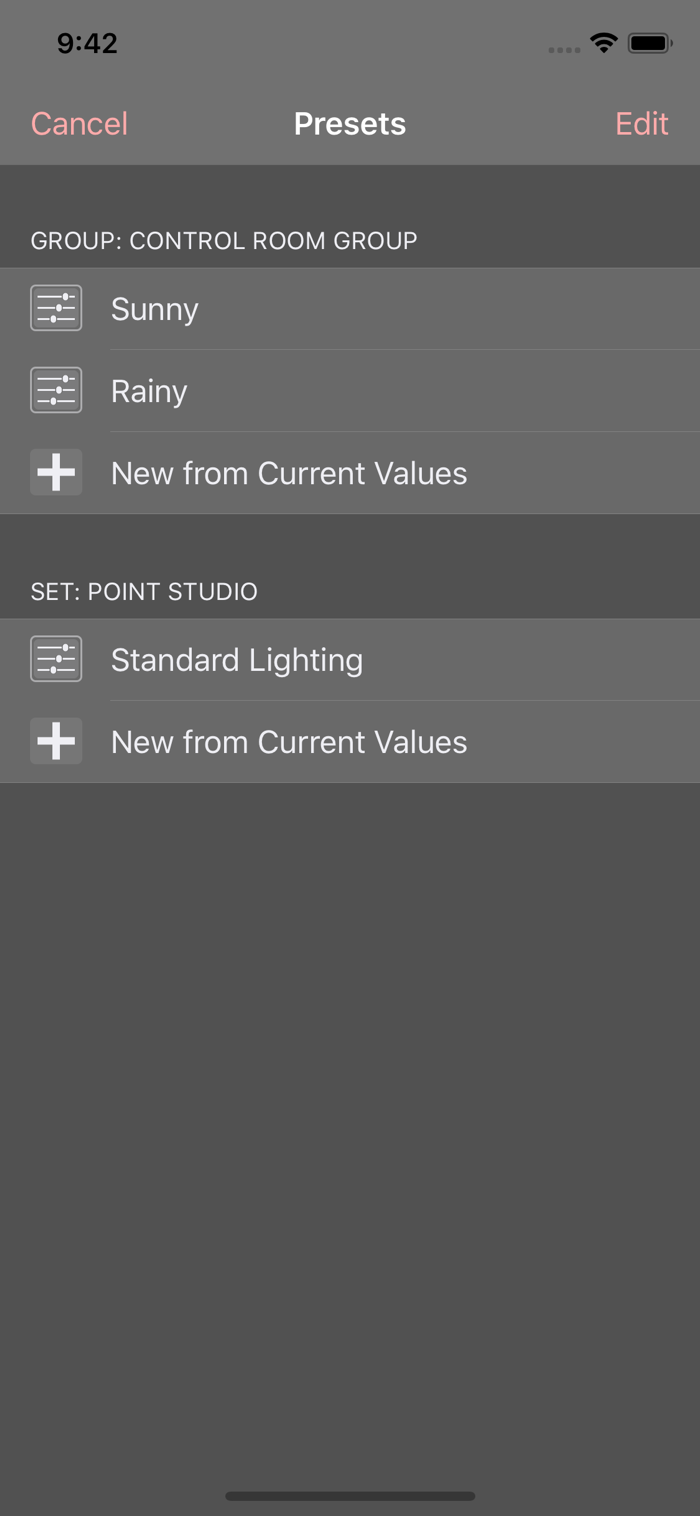
For each group and each screen in a set, you can edit its gamma settings. They are applied instantly to the screen over the network every time you make a change. Just look up at the screen to see the results live.
From the settings screen, tap the icon with t...


 +100宝石

 分享
分享












用户评价
立即分享产品体验
你的真实体验,为其他用户提供宝贵参考
💎 分享获得宝石
【分享体验 · 获得宝石 · 增加抽奖机会】
将你的产品体验分享给更多人,获得更多宝石奖励!
💎 宝石奖励
每当有用户点击你分享的体验链接并点赞"对我有用",你将获得:
🔗 如何分享
复制下方专属链接,分享到社交媒体、群聊或好友:
💡 小贴士
分享时可以添加你的个人推荐语,让更多人了解这款产品的优点!
示例分享文案:
"推荐一款我最近体验过的应用,界面设计很精美,功能也很实用。有兴趣的朋友可以看看我的详细体验评价~"
关注 Mergeek 公众号
领奖遇到问题?联系小门助手