产品功能

应用市场介绍

This is the world's first flexible vibrator that can bring users a personalized pleasurable experience.

How to use:

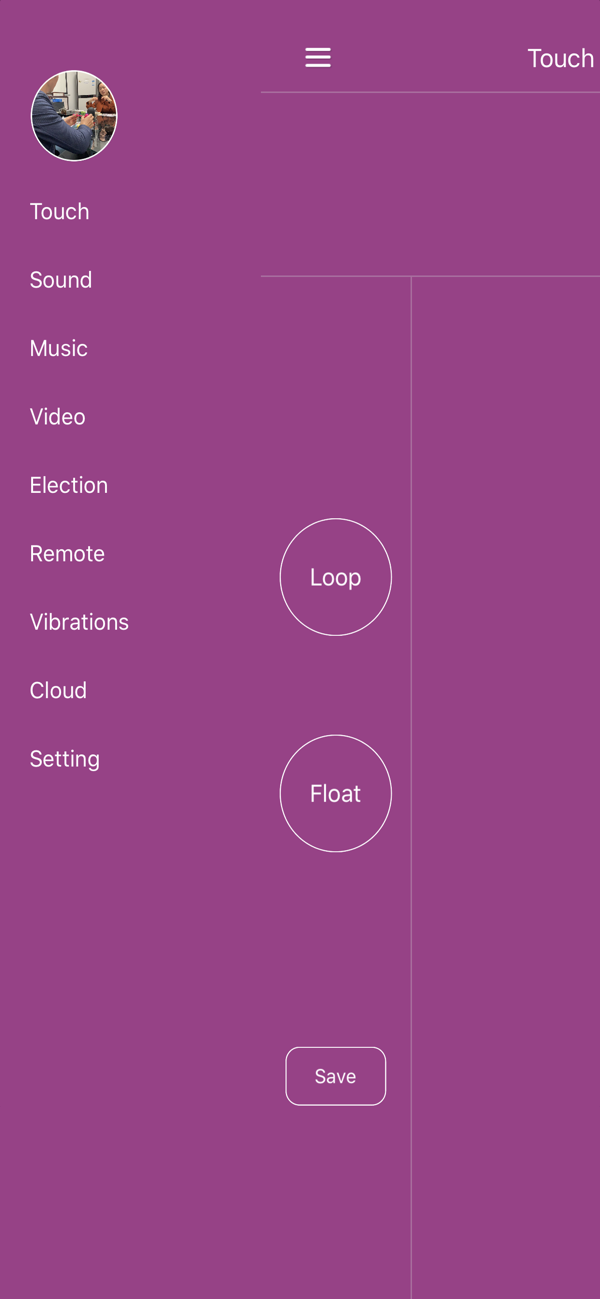
1. Touch mode: Touch the screen to control the device. Touch different positions to vibrate at different frequencies.
- Loop: After touching a curve, vibrate in a loop according to that curve.
- Float: After touching the screen, vibrate at the frequency of that point.
- Save: You can save the vibration curve during the touch time.

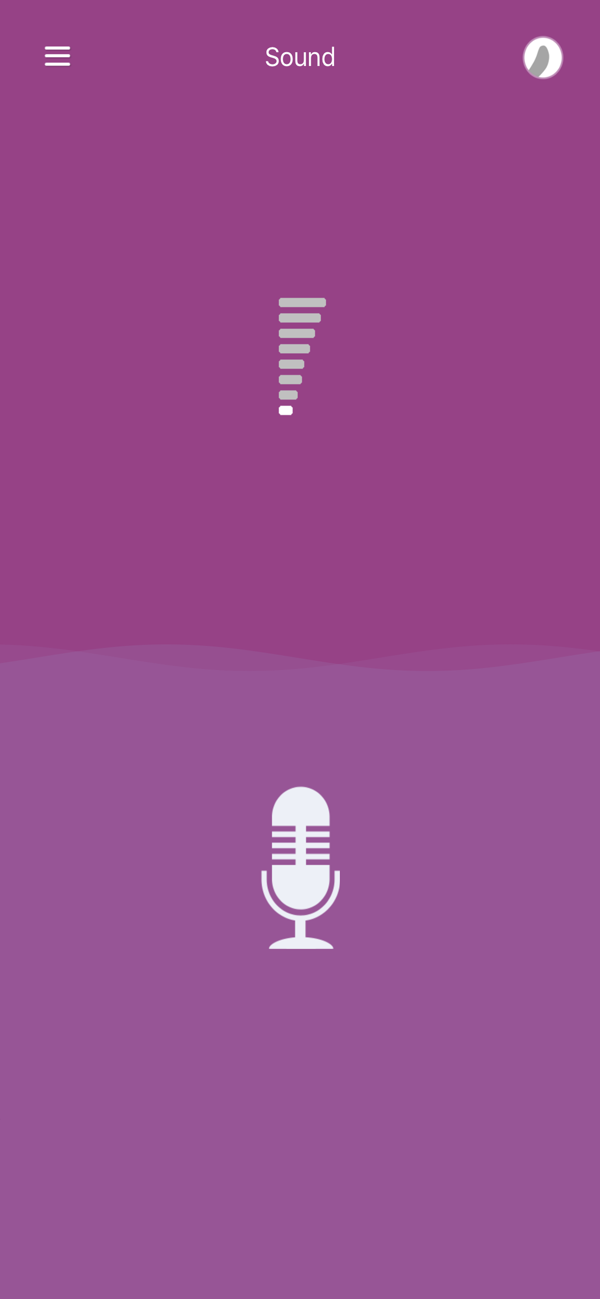
2. Voice control mode: The APP controls the device vibration according to the ambient sound decibel level. The higher the sound decibel, the stronger the vibration; the lower the sound decibel, the weaker the vibration.

3. Audio control mode: Select music to play. The APP will vibrate according to the frequency and pitch of the music playing. You can choose single play, loop play or random play.

4. Video control mode: Select a video to play. The APP will vibrate according to the sound volume of the video playing.

5. Selection control mode: Select different mode buttons. The APP vibrates according to a certain frequency mode. Everyone can choose different mode vibrations according to their preferences.

6. Remote mode: You can add friends (request to add by username), and then chat (including text, pictures, voice, sharing of vibration curves, requesting to control the other party's device, requesting both devices to vibrate simultaneously, etc.).

7. My vibrations: Store the vibration curve files you have saved. You can replay or share them.

8. Cloud mode: These are vibration curve files shared by others. You can download them to your mobile phone locally and play to control the device to vibrate according to that curve to experience the pleasurable vibrations of others.

9. Settings:
- Click on the avatar: You can choose the avatar you want to display.
- Vibration point selection: You can choose the positions where the device needs to vibrate (G-spot or C-spot or both). When there are no more options, use the default settings.
- C/G intensity percentage: Let the vibration intensity of the C-spot be a certain percentage of the G-spot. When there are no more options, use the default settings.
- Turn off the device: You can directly turn off the device when it is connected.
- Device battery: Displays the current battery level of the device.
- Modify password: You can modify the login password of the current account.

10. The circular button in the upper right corner of the APP shows the device connection status. The gray status means not connected, and the red status means connected. When not connected, click this button to enter the connection configuration for searching Bluetooth devices. The device name starts with LOVE or LVS. Select and click on the device to connect to it. When in the connected state, click on the device to disconnect.

收起

用户评价

立即分享产品体验

你的真实体验,为其他用户提供宝贵参考

宝石
评论可得 100 宝石
宝石随心兑换应用高级会员,每周更新 前往查看 >>
活动动态 0 人参加
查看更多评论