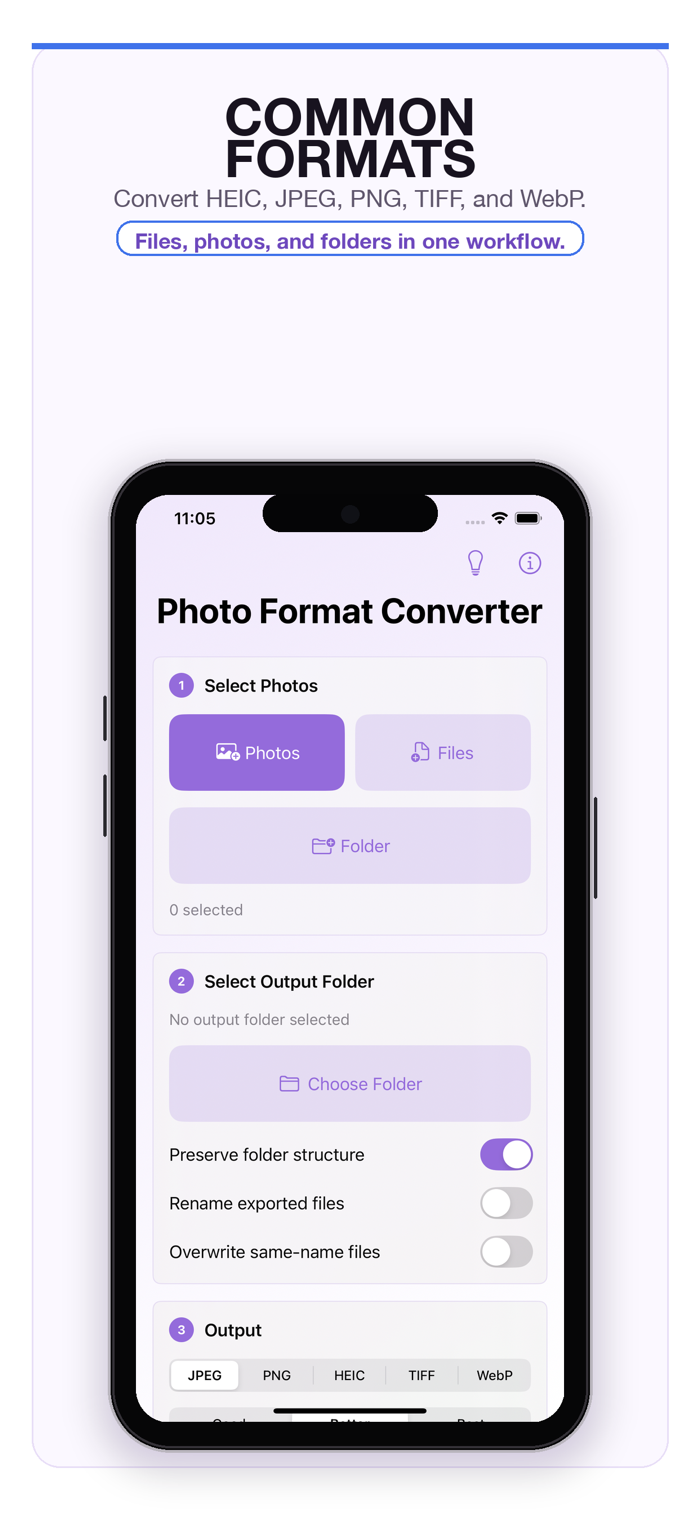
Photo Format Converter is a focused image conversion utility for Apple devices, built for people who want their files converted without ads, subscriptions, accounts, or confusing upsells. Add photos or scan a folder, choose an output folder, select a target format, choose a quality preset when the output supports compression, then start the conversion.
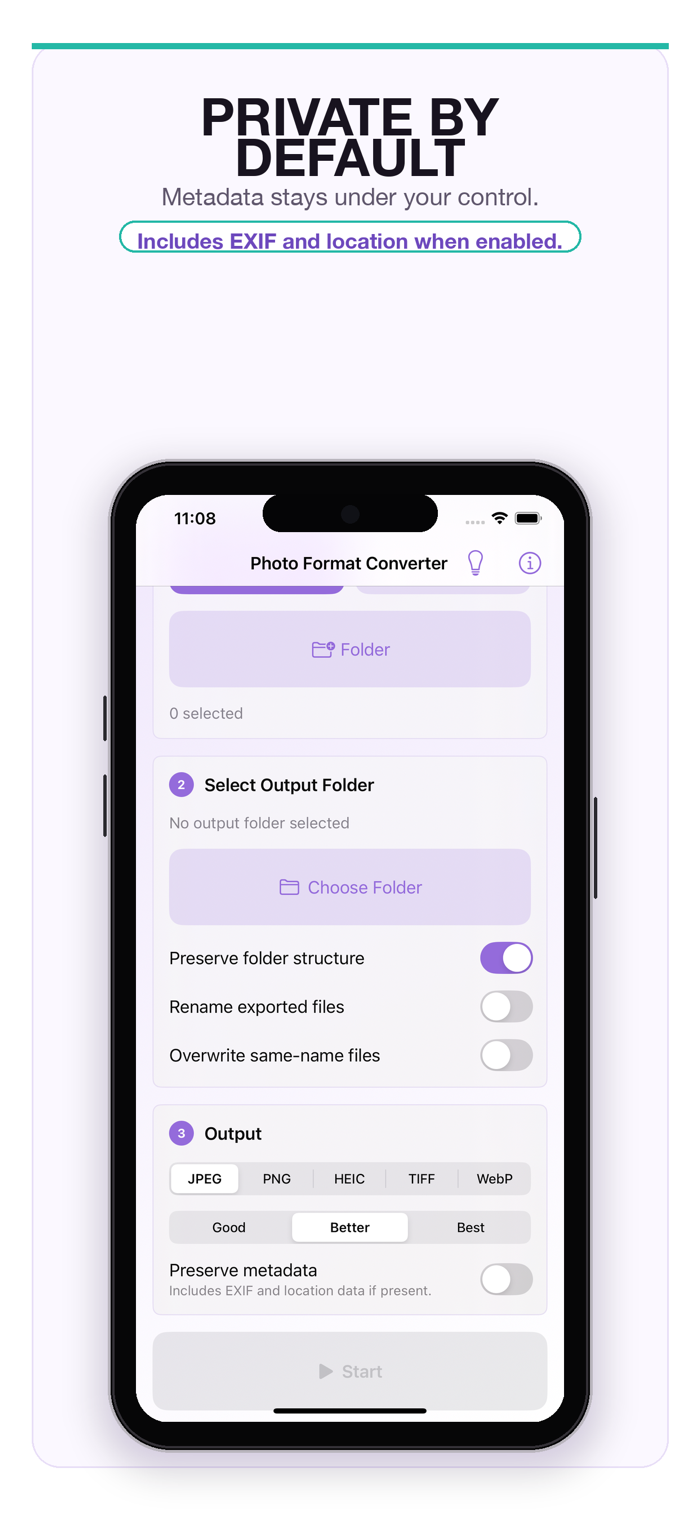
The app is designed for private, local workflows. It does not require an account, does not use analytics, does not show ads, and does not upload your photos to a server. By default, exported files remove embedded metadata; you can choose to preserve metadata when you need it.
Key features:
- Convert between HEIC, JPEG, PNG, TIFF, and WebP.
- Batch convert selected photos.
- Recursively import supported files from folders.
- Export converted files to a folder you choose.
- Choose Good, Better, or Best quality for lossy output formats.
- Keep folder structure, rename recursively, or overwrite same-name files when needed.
- Strip metadata by default for a more private export.
- Use a simple first-run guide and built-in About page.
Photo Format Converter is intentionally minimal: no cloud account, no subscription, no ads, and no tracking.


 +100宝石


 分享
分享















用户评价
立即分享产品体验
你的真实体验,为其他用户提供宝贵参考
💎 分享获得宝石
【分享体验 · 获得宝石 · 增加抽奖机会】
将你的产品体验分享给更多人,获得更多宝石奖励!
💎 宝石奖励
每当有用户点击你分享的体验链接并点赞"对我有用",你将获得:
🔗 如何分享
复制下方专属链接,分享到社交媒体、群聊或好友:
💡 小贴士
分享时可以添加你的个人推荐语,让更多人了解这款产品的优点!
示例分享文案:
"推荐一款我最近体验过的应用,界面设计很精美,功能也很实用。有兴趣的朋友可以看看我的详细体验评价~"
关注 Mergeek 公众号
领奖遇到问题?联系小门助手