Sign any PDF in seconds no printer, no scanner, no subscriptions required. PDF Signer lets you import any document, place your signature exactly where it needs to go, and export a clean, professional PDF instantly. Everything happens on your device. Nothing leaves your phone.
HOW IT WORKS
1. Import any PDF from Files, Mail, or iCloud
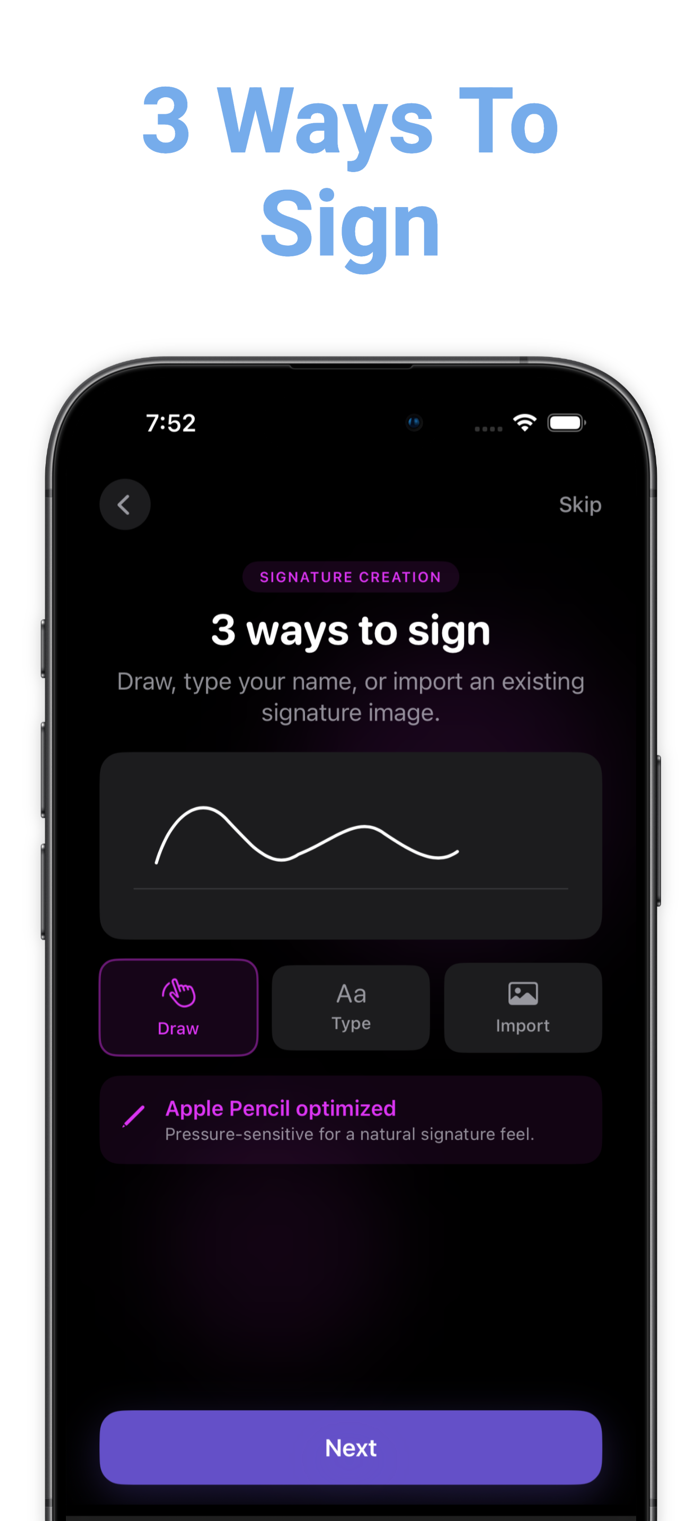
2. Create your signature by drawing, typing, or importing an image
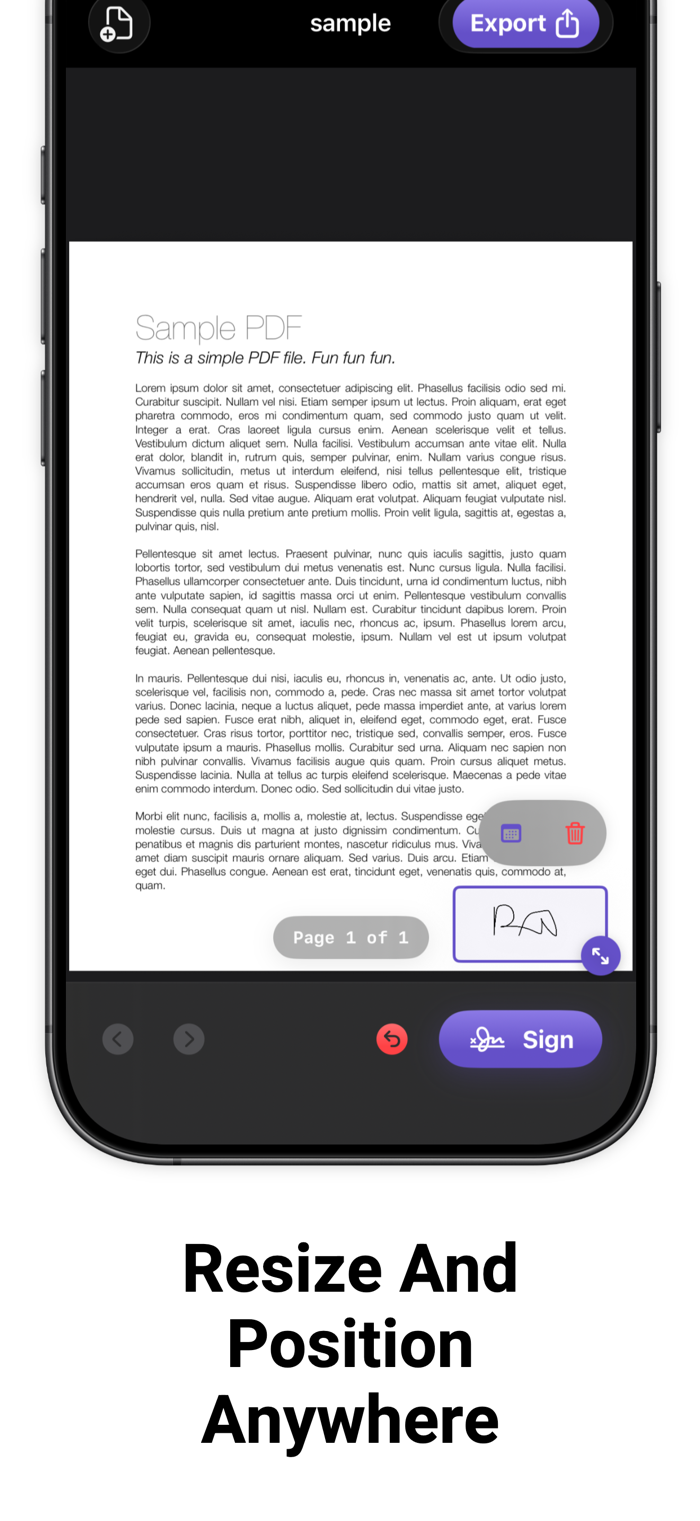
3. Drag it onto any page, resize, and position it perfectly
4. Tap export your signed PDF is ready to share THREE WAYS TO SIGN Draw with your finger or Apple Pencil (pressure-sensitive) Type your name in a handwriting-style font Import a transparent PNG of your existing signature BUILT FOR REAL DOCUMENTS Whether you're signing a lease, a contract, an NDA, or a legal form PDF Signer handles it cleanly. Add an optional date stamp next to your signature for extra professionalism. YOUR PRIVACY MATTERS All signing happens locally on your device. No cloud upload. No account required. No one sees your documents. WHAT MAKES US DIFFERENT Unlike subscription-heavy e-signature platforms, PDF Signer is built for people who just need to sign something fast. One import, one signature, one export. Done. Works entirely offline Preserves your original PDF (exports a new copy) Apple Pencil optimized Share directly to Mail, WhatsApp, AirDrop, and more
• Terms of Use: https://www.apple.com/legal/internet-services/itunes/dev/stdeula/
• Privacy Policy: ht...

 +100宝石


 分享
分享


















用户评价
立即分享产品体验
你的真实体验,为其他用户提供宝贵参考
💎 分享获得宝石
【分享体验 · 获得宝石 · 增加抽奖机会】
将你的产品体验分享给更多人,获得更多宝石奖励!
💎 宝石奖励
每当有用户点击你分享的体验链接并点赞"对我有用",你将获得:
🔗 如何分享
复制下方专属链接,分享到社交媒体、群聊或好友:
💡 小贴士
分享时可以添加你的个人推荐语,让更多人了解这款产品的优点!
示例分享文案:
"推荐一款我最近体验过的应用,界面设计很精美,功能也很实用。有兴趣的朋友可以看看我的详细体验评价~"
关注 Mergeek 公众号
领奖遇到问题?联系小门助手