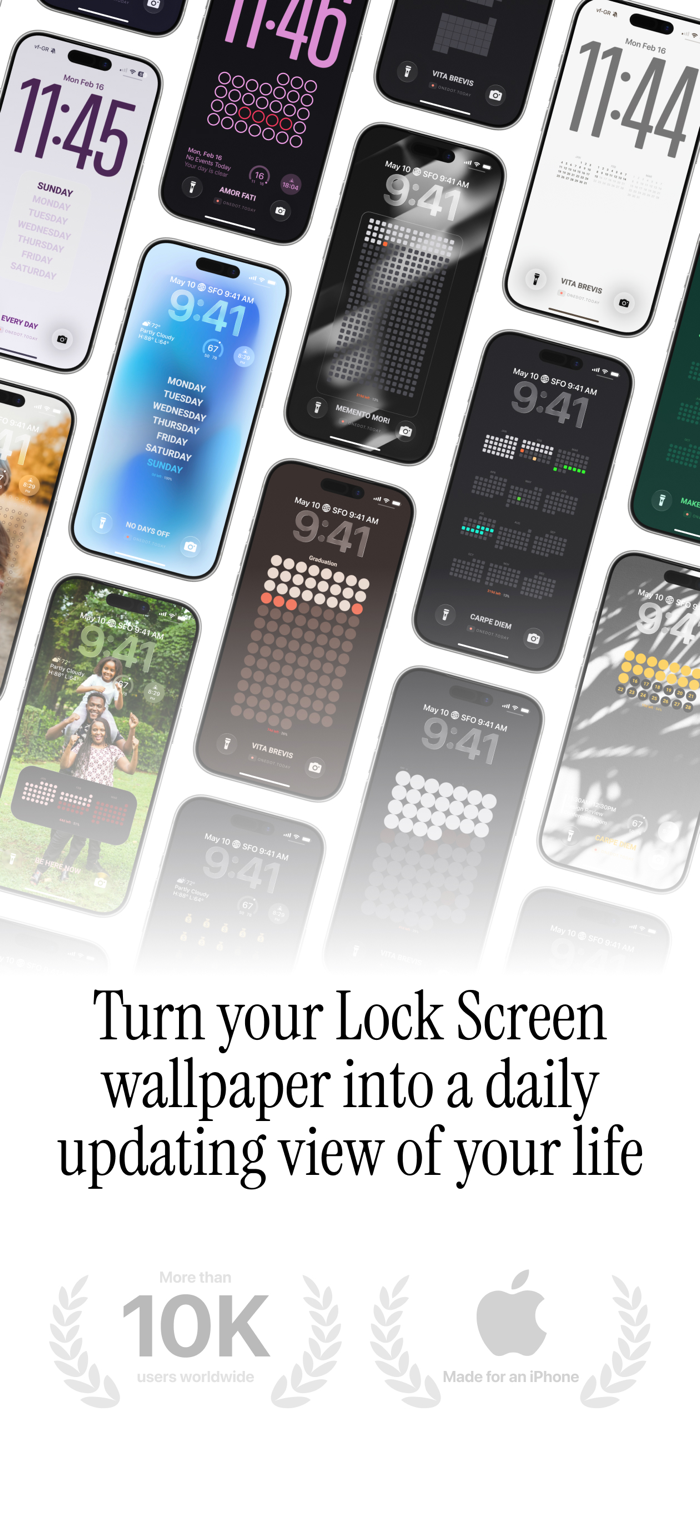
One Dot turns your lock screen into a visual time tracker and life calendar. Create auto-updating calendar wallpapers that display your habits, steps, journal, and more — all as a beautiful grid of colored markers.
LOCK SCREEN WALLPAPERS THAT UPDATE DAILY
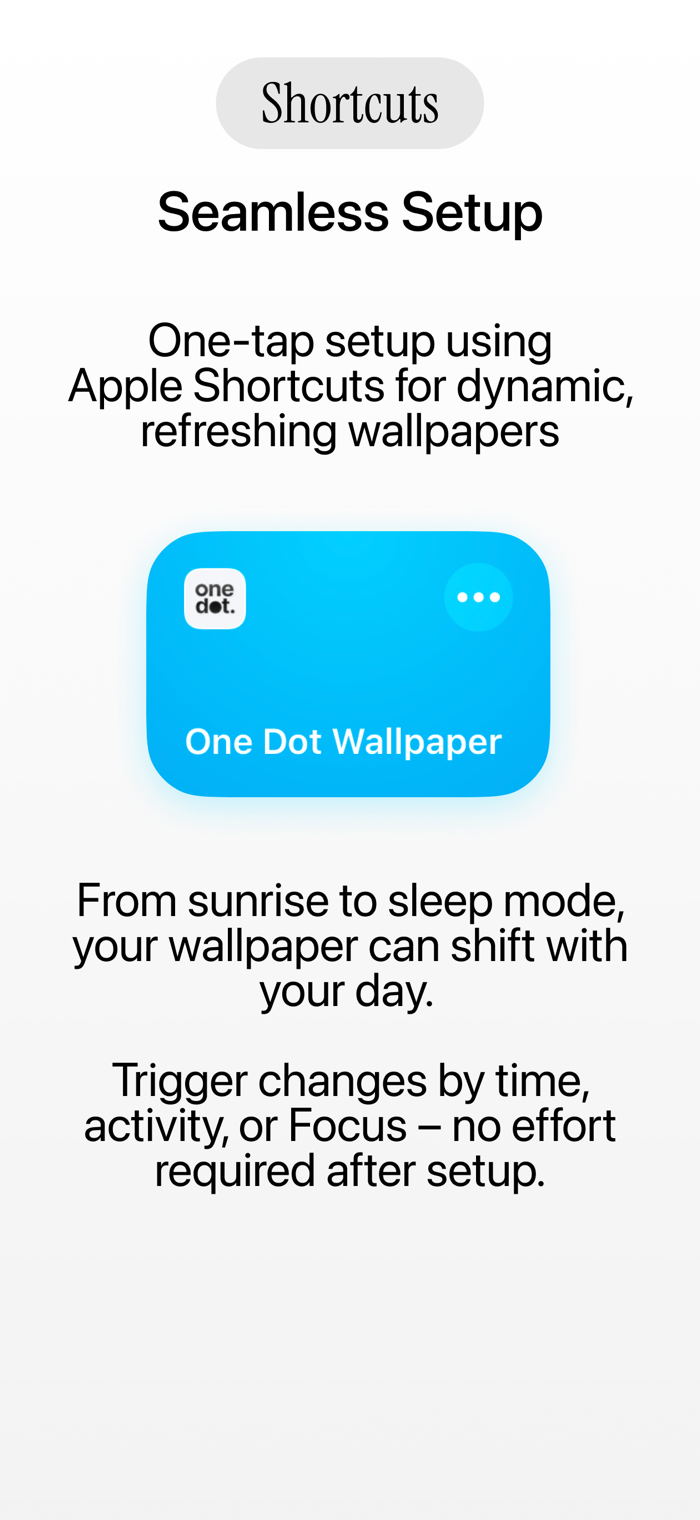
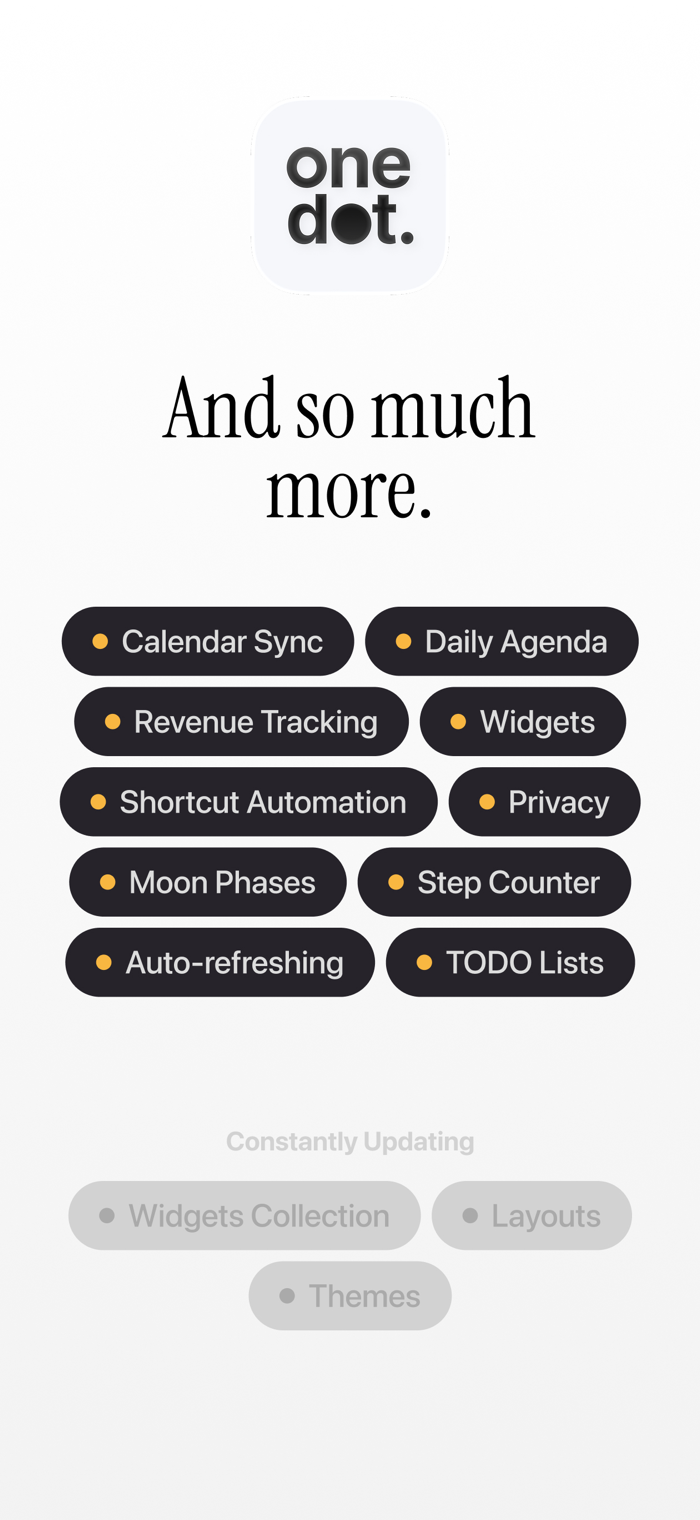
Set up a Shortcut automation once, and your lock screen wallpaper refreshes every morning. See your year as a grid of dots. Track your week, month, quarter, or entire life — right from your lock screen, without ever opening an app.
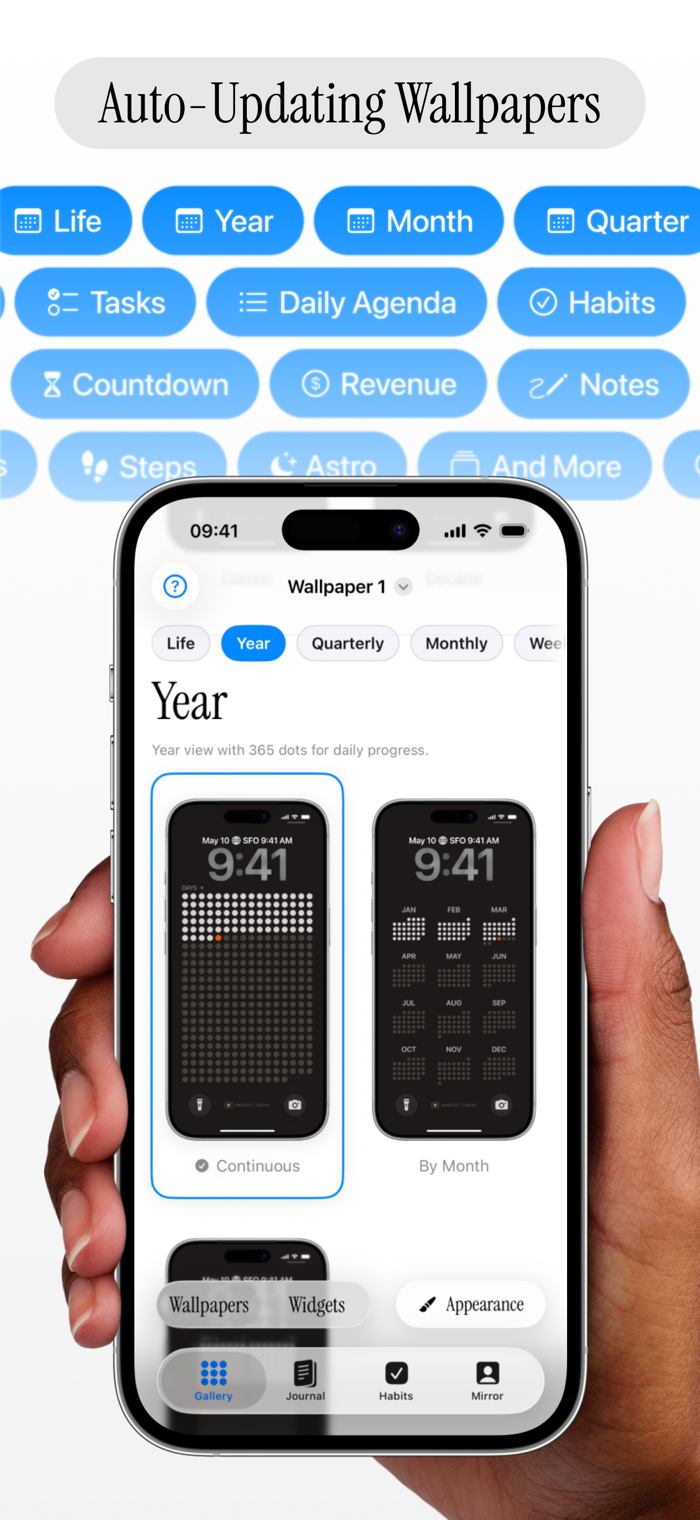
15 VIEW MODES — YOUR VISUAL PLANNER & LIFE CALENDAR
• Life — Your whole life in weeks, one marker per week
• Year — 365 cells, each day colored as it passes
• Season — Spring, summer, fall, winter at a glance
• Quarter — 13 weeks of focus
• Month — Your current month in a row or grid layout
• Week — Seven days, one clear view
• Countdown — See time remaining to your next milestone
• Agenda — Today's calendar events on your wallpaper
• To-Do — Reminders and tasks, front and center
• Notes — Put any text at a glance
• Journal — Your entries visualized as a color timeline
• Habits — Streak tracking built into your wallpaper
• Steps — Daily step count from Apple Health
• Revenue — Track earnings with Stripe and RevenueCat integration
• Astro — Track lunar phases and cosmic rhythms at a glance
COUNTDOWN & AGENDA ON YOUR WALLPAPER
See upcoming events and countdown to important dates — directly from your lock screen. Your wallpaper becomes a living planner that keeps you on track.
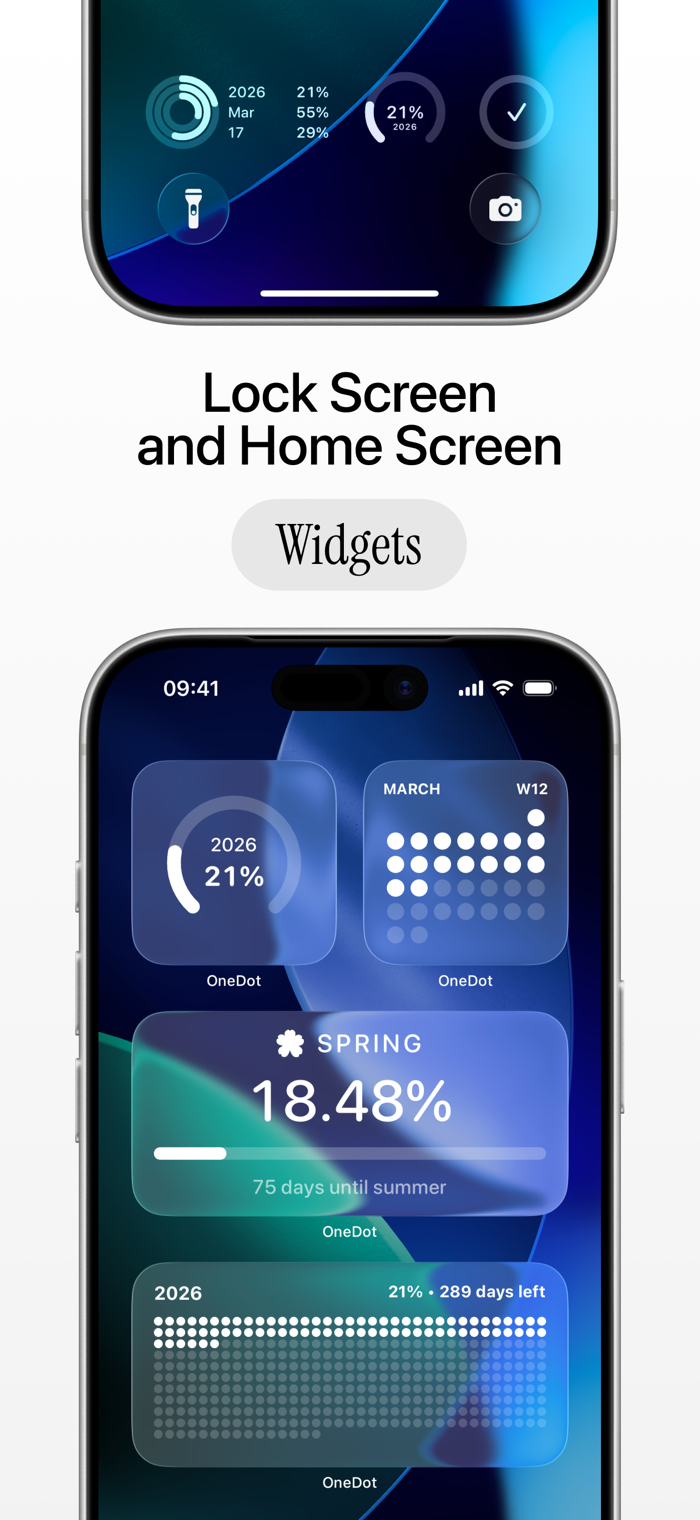
WIDGETS FOR HOME & LOCK SCREEN
Add widgets to your home screen and lock screen. Small, medium, and circular widgets keep your data visible without switching apps.
11 THEMES, 12 SHAPES, INFINITE WALLPAPERS
Choose from curated color themes — dark, light, neon, ocean, stoic, and more. Pick shapes from circles to diamonds. Use your own photo as a wallpaper background. Hit "Randomize" and get a completely new look every time.
HABIT TRACKER
Build streaks and track daily habits. View your progress in a dedicated Habits tab or right on your wallpaper grid.
JOURNAL
Write daily entries with photos and text. Your journal entries appear as colored cells on the grid — filled days show your consistency at a glance.
YOUR PROFILE — LIFESPAN PROGRESS
The "You" tab shows your lifespan progress, life stages breakdown, and a personal profile card. Add your photo or use the front camera as a live mirror.
CUSTOMIZATION WITHOUT LIMITS
• Adjust marker size, spacing, corner radius, and opacity
• Choose grid placement on your wallpaper
• Set custom backgrounds — solid colors, gradients, or your own photos
• Multiple wallpaper slots so you can save different configurations
• Full control over which calendar and reminder lists appear
BUILT FOR PRIVACY
One Dot runs entirely on your device. No accounts, no cloud sync, no tracking. Your data stays on your iPhone.
FREE TO USE — PRO TO UNLOCK EVERYTHING
The free version includes Life and Year views, dark, light, and stoic themes, and core functionality. Pro unlocks all 12 view modes, all 11 themes, all 12 shapes, unlimited habits, advanced widgets, multiple wallpaper slots, and full customization.
Start for free. Upgrade when you want more.
Terms of Use (EULA): https://www.apple.com/legal/internet-services/itunes/dev/stdeula/

 +100宝石


 分享
分享



















用户评价
立即分享产品体验
你的真实体验,为其他用户提供宝贵参考
💎 分享获得宝石
【分享体验 · 获得宝石 · 增加抽奖机会】
将你的产品体验分享给更多人,获得更多宝石奖励!
💎 宝石奖励
每当有用户点击你分享的体验链接并点赞"对我有用",你将获得:
🔗 如何分享
复制下方专属链接,分享到社交媒体、群聊或好友:
💡 小贴士
分享时可以添加你的个人推荐语,让更多人了解这款产品的优点!
示例分享文案:
"推荐一款我最近体验过的应用,界面设计很精美,功能也很实用。有兴趣的朋友可以看看我的详细体验评价~"
关注 Mergeek 公众号
领奖遇到问题?联系小门助手