














加入 Mergeek 福利群
扫码添加小助手,精彩福利不错过!
若不方便扫码,请在 Mergeek 公众号,回复 群 即可加入
- 精品限免
- 早鸟优惠
- 众测送码
 Speak News - RSS news reader
Speak News reads stories from RSS/Atom news feeds, web pages, Wikipedia pages, or Google News queries to you using text-to-speech. Speak News app is built for iPhone, iPad, and iPod touch. Use Siri to open Speak News and listen to news stories hands-free using the earphones remote control. Just say “Hey Siri, Open Speak News” and the app will start reading your current news stories.
Complete Features
• Use Siri to open the app and listen to stories.
• Use Siri Shortcuts to perform several common activities with voice commands.
• Bookmarks can be RSS/Atom news feeds, web pages, Wikipedia pages, Google News queries, or Speak News keyword queries. Speak News queries can be created and performed while offline, searching the stories cached on the device.
• iCloud bookmark syncing
• Import bookmarks from a Feedly OPML feed library URL.
• Multitasking allows updating news feeds in the background while reading or listening to news in the foreground.
• Automatically selects appropriate international speech voices based on story language.
• Toolbar functions in a feed view include Play/Pause, Stop, Previous, Next, Update All Feeds, View Mode, Share, Settings.
• Share news headlines and links, or entire news feeds through the standard iOS Share social media activities view, including Message, Mail, Notes, Reminders, Twitter, Google+, Flipboard, Facebook, Evernote, etc.
• Current story info and Play/Pause, Previous, Next functions are available in the media player controls in the device's lock screen and Control Center.
• Speak News automatically rotates through available voices for the current language for each story. This gives more variety and distinction in the sequence of spoken news stories. For instance, in English, this gives U.S. , U.K. Ireland, New Zealand, and Australian voices.
• All stories are saved on your device for later reading and listening while offline.
• Efficient text-only story display makes loading and reading faster, and saves money on your cell phone plan by downloading minimal data.
• Display Styles include White, Light Gray, Sepia, Dark Gray, Dark Red, and Black. The "dark mode" Black and Dark Red styles are ideal for reading in dark environments.
• All text is responsive to the user's preferred text size as set in Settings > Display & Brightness > Text Size, and Settings > General > Accessibility > Larger Text.
• Toolbar functions in the Bookmarks view include New Bookmark, Go To Section, Find, Settings, Library, and Edit.
• Today Widget displays scrolling list of stories from current feed.
• Use the remote control on earphones to speak and pause stories, move to next or previous stories, or select a new RSS feed from your bookmarks.
• Create your own bookmarks and bookmark sections.
• Import bookmarks from Imaja’s Speak News RSS Feeds Library featuring a broad selection of essential and informative news feeds.
• Settings includes many controls for news story display, auto-reload, speech and auto-scrolling behavior, and user-interface sounds.
• Keyboard shortcuts are supported for Speak News functions for use with external Bluetooth keyboards.
• RSS feed details are viewable in the Edit Bookmark view.
• Word Usage action displays statistics on word frequencies in a story or a complete feed.
• Speak News supports a custom URL scheme for adding bookmarks.
Remote Control with Earphones
Tap the center button:
• One time to play or pause the speech.
• Two times to skip to the next story.
• Three times to skip to the previous story.
• Five times to enter Bookmark Selection Mode. In Bookmark Selection Mode, listen for the desired bookmark name and tap one time to open and start speaking the feed.
Settings
Use the Settings view to configure the text display, graphic style and behavior of Speak News.
Visit imaja.com/speaknews for more details and screenshots.
Follow @SpeakNewsApp on Twitter.
Speak News reads stories from RSS/Atom news feeds, web pages, Wikipedia pages, or Google News queries to you using text-to-speech. Speak News app is built for iPhone, iPad, and iPod touch. Use Siri to open Speak News and listen to news stories hands-free using the earphones remote control. Just say “Hey Siri, Open Speak News” and the app will start reading your current news stories.
Complete Features
• Use Siri to open the app and listen to stories.
• Use Siri Shortcuts to perform several common activities with voice commands.
• Bookmarks can be RSS/Atom news feeds, web pages, Wikipedia pages, Google News queries, or Speak News keyword queries. Speak News queries can be created and performed while offline, searching the stories cached on the device.
• iCloud bookmark syncing
• Import bookmarks from a Feedly OPML feed library URL.
• Multitasking allows updating news feeds in the background while reading or listening to news in the foreground.
• Automatically selects appropriate international speech voices based on story language.
• Toolbar functions in a feed view include Play/Pause, Stop, Previous, Next, Update All Feeds, View Mode, Share, Settings.
• Share news headlines and links, or entire news feeds through the standard iOS Share social media activities view, including Message, Mail, Notes, Reminders, Twitter, Google+, Flipboard, Facebook, Evernote, etc.
• Current story info and Play/Pause, Previous, Next functions are available in the media player controls in the device's lock screen and Control Center.
• Speak News automatically rotates through available voices for the current language for each story. This gives more variety and distinction in the sequence of spoken news stories. For instance, in English, this gives U.S. , U.K. Ireland, New Zealand, and Australian voices.
• All stories are saved on your device for later reading and listening while offline.
• Efficient text-only story display makes loading and reading faster, and saves money on your cell phone plan by downloading minimal data.
• Display Styles include White, Light Gray, Sepia, Dark Gray, Dark Red, and Black. The "dark mode" Black and Dark Red styles are ideal for reading in dark environments.
• All text is responsive to the user's preferred text size as set in Settings > Display & Brightness > Text Size, and Settings > General > Accessibility > Larger Text.
• Toolbar functions in the Bookmarks view include New Bookmark, Go To Section, Find, Settings, Library, and Edit.
• Today Widget displays scrolling list of stories from current feed.
• Use the remote control on earphones to speak and pause stories, move to next or previous stories, or select a new RSS feed from your bookmarks.
• Create your own bookmarks and bookmark sections.
• Import bookmarks from Imaja’s Speak News RSS Feeds Library featuring a broad selection of essential and informative news feeds.
• Settings includes many controls for news story display, auto-reload, speech and auto-scrolling behavior, and user-interface sounds.
• Keyboard shortcuts are supported for Speak News functions for use with external Bluetooth keyboards.
• RSS feed details are viewable in the Edit Bookmark view.
• Word Usage action displays statistics on word frequencies in a story or a complete feed.
• Speak News supports a custom URL scheme for adding bookmarks.
Remote Control with Earphones
Tap the center button:
• One time to play or pause the speech.
• Two times to skip to the next story.
• Three times to skip to the previous story.
• Five times to enter Bookmark Selection Mode. In Bookmark Selection Mode, listen for the desired bookmark name and tap one time to open and start speaking the feed.
Settings
Use the Settings view to configure the text display, graphic style and behavior of Speak News.
Visit imaja.com/speaknews for more details and screenshots.
Follow @SpeakNewsApp on Twitter.
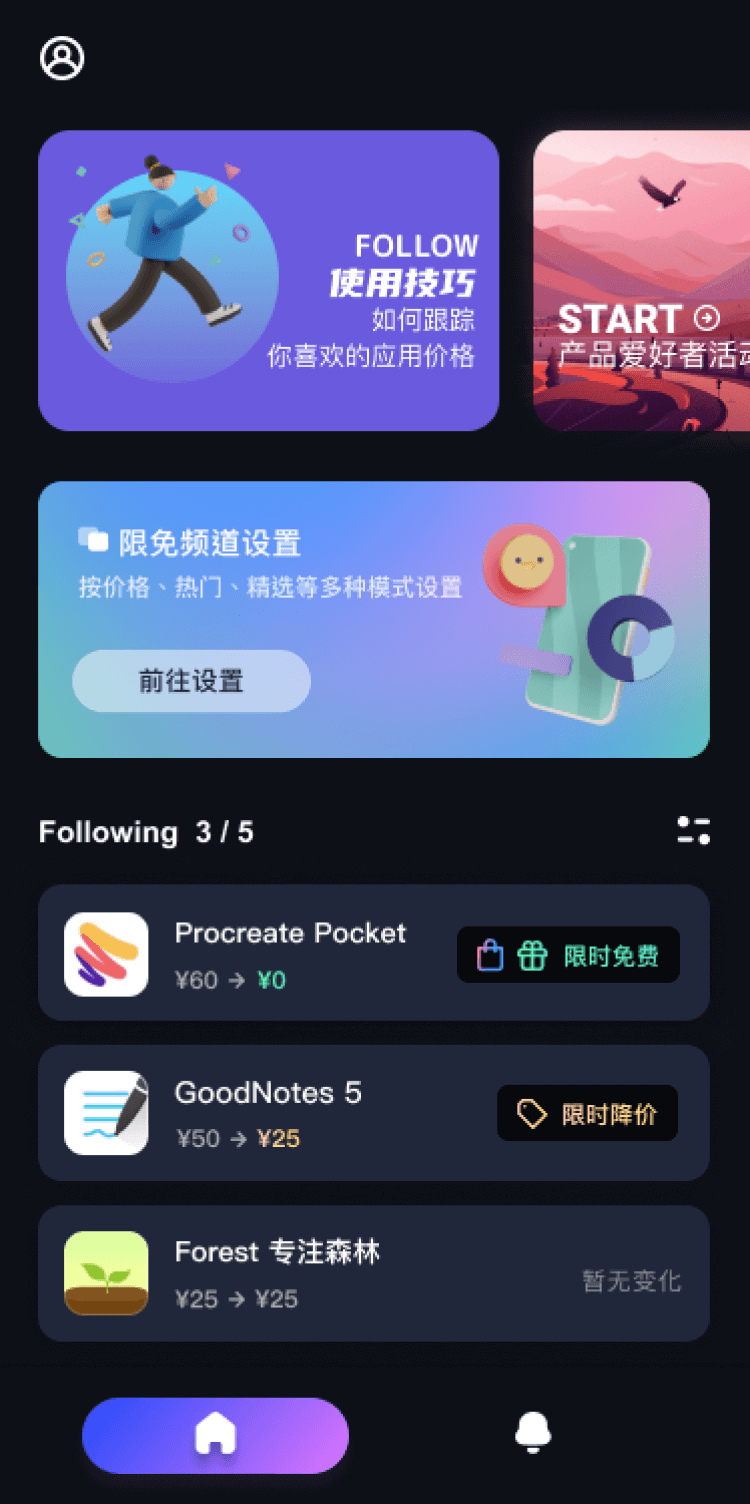
第一时间掌握精选限免应用/游戏信息
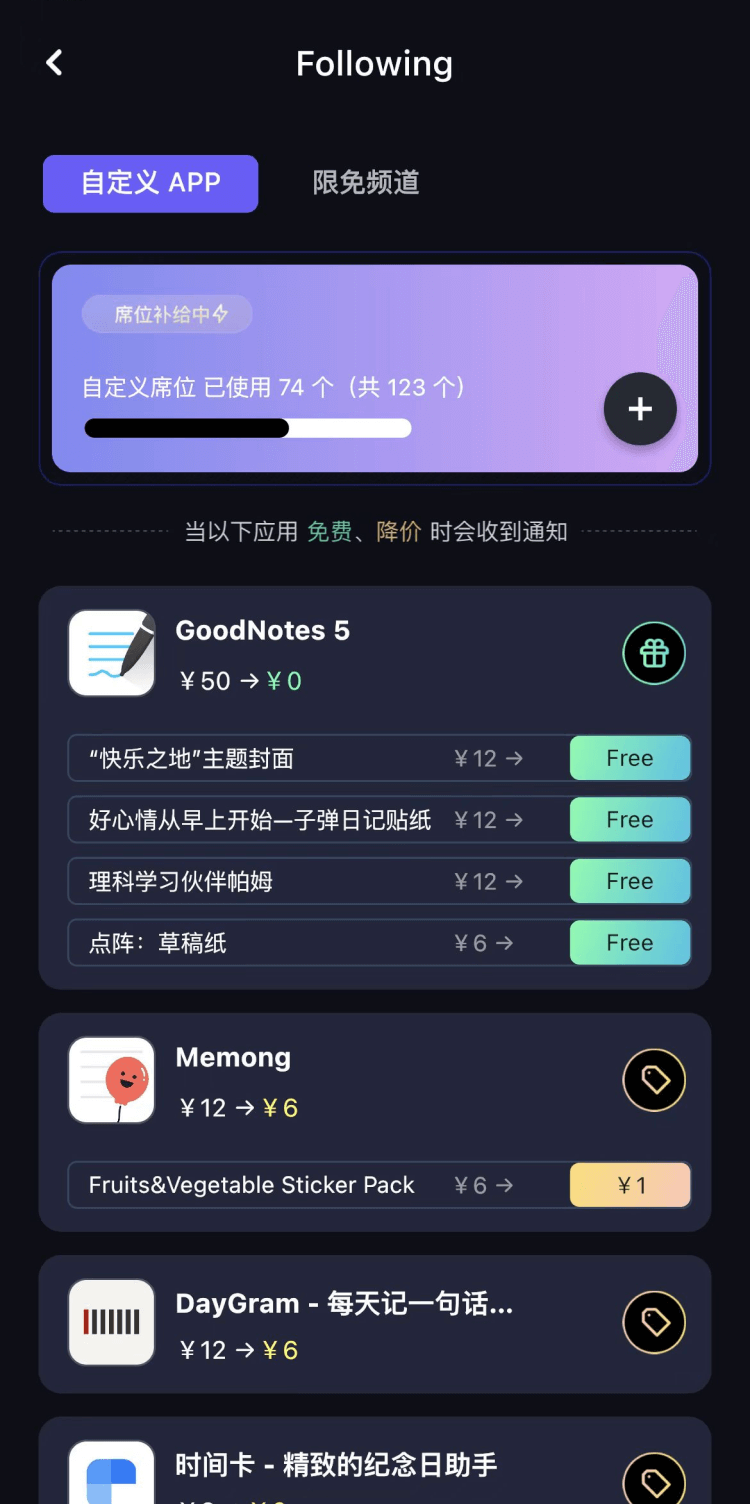
自定义喜欢的应用/游戏的价格变动
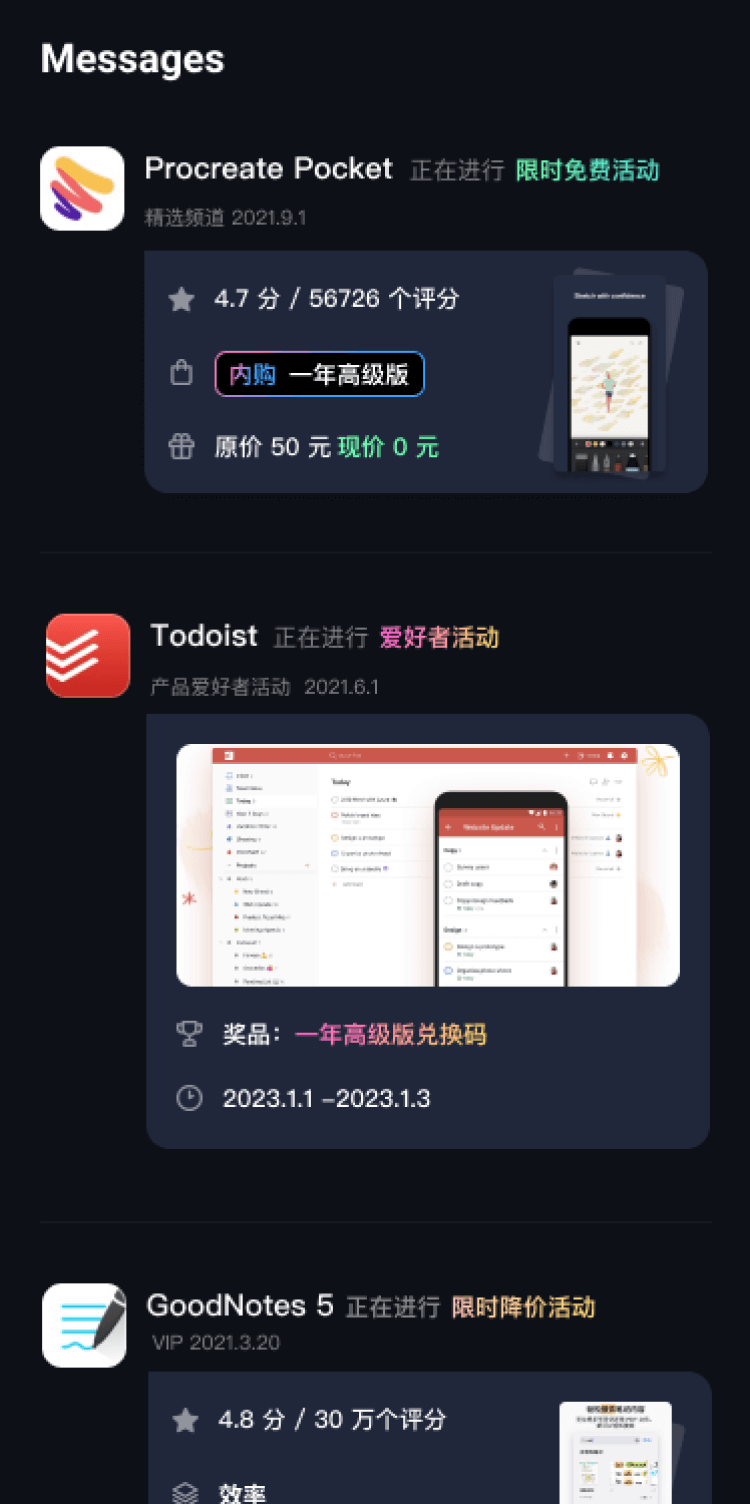
了解内购应用/游戏的限免或降价活动
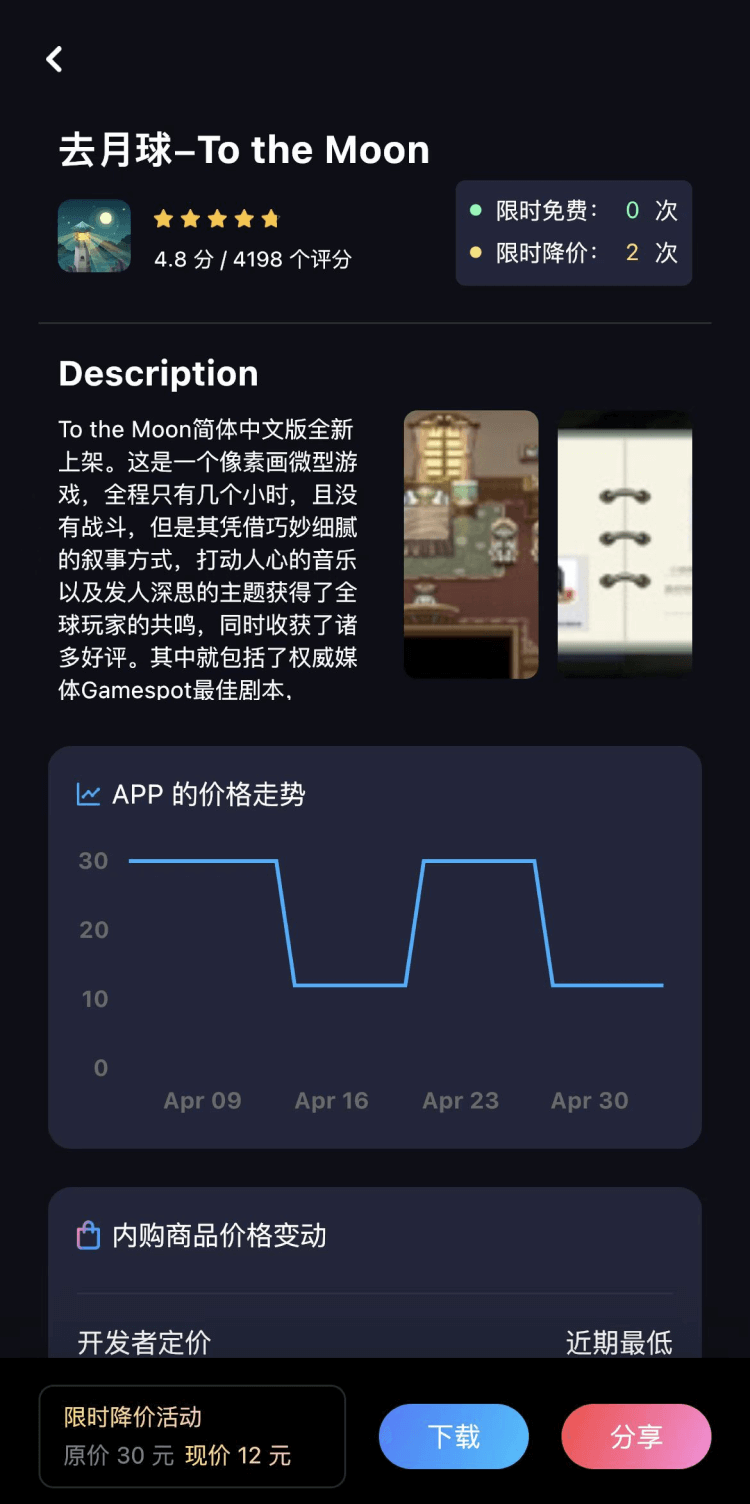
查看应用/游戏价格历史等待合适时机再出手
第一时间收到价格通知不错过省钱机会

扫码下载 Follow
 SoMeMeme
SoMeMeme是一款修图&制作GIF的app,无广告,无水印,专注于修图和将你相册中的视频...

 柚子助眠
柚子助眠
柚子助眠,地球人都在用的健康睡眠新概念应用小助手。Phone必备App神器.每一个热爱生活的人,都值...
 WeTally
在这个快节奏的时代,APP 以“简洁至上”的理念,旨在为用户提供一个精致而实用的财务管理工具,在瞬息...
 1
1
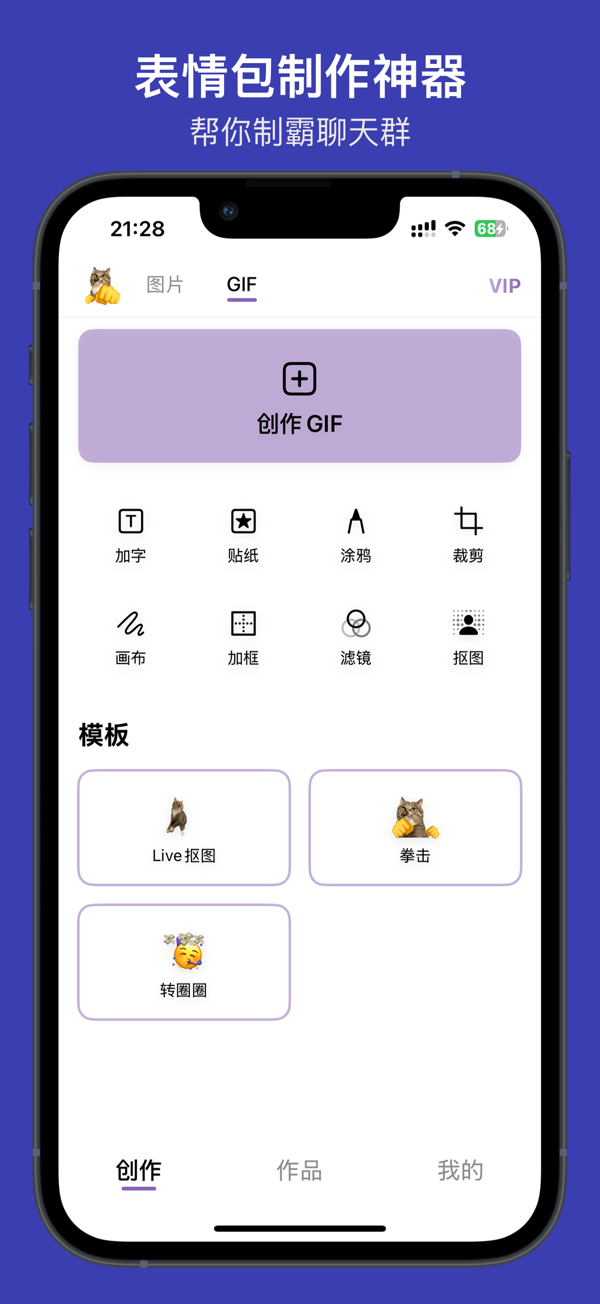

SoMeMeme是一款修图&制作GIF的app,无广告,无水印,专注于修图和将你相册中的视频...
9

柚子助眠,地球人都在用的健康睡眠新概念应用小助手。Phone必备App神器.每一个热爱生活的人,都值...
34

在这个快节奏的时代,APP 以“简洁至上”的理念,旨在为用户提供一个精致而实用的财务管理工具,在瞬息...
天天发现优质应用
 到主屏幕
到主屏幕


产品名
这项是必须填的哦~可用平台
产品链接
这项是必须填的哦~产品一句话介绍
这项是必须填的哦~开发者邮箱
你也可以发送更多的产品故事到 hi@mergeek.com
我们会让你的产品被更多用户看到!
产品名
这项是必须填的哦~可用平台
产品链接
这项是必须填的哦~产品一句话介绍
这项是必须填的哦~开发者邮箱
你也可以发送更多的产品故事到 hi@mergeek.com
我们会让你的产品被更多用户看到!
已经成功发送到你的邮箱了,请注意查收
你成为这个产品的发现者啦,说说你的推荐语吧!